← All products / WhatsApp Marketing
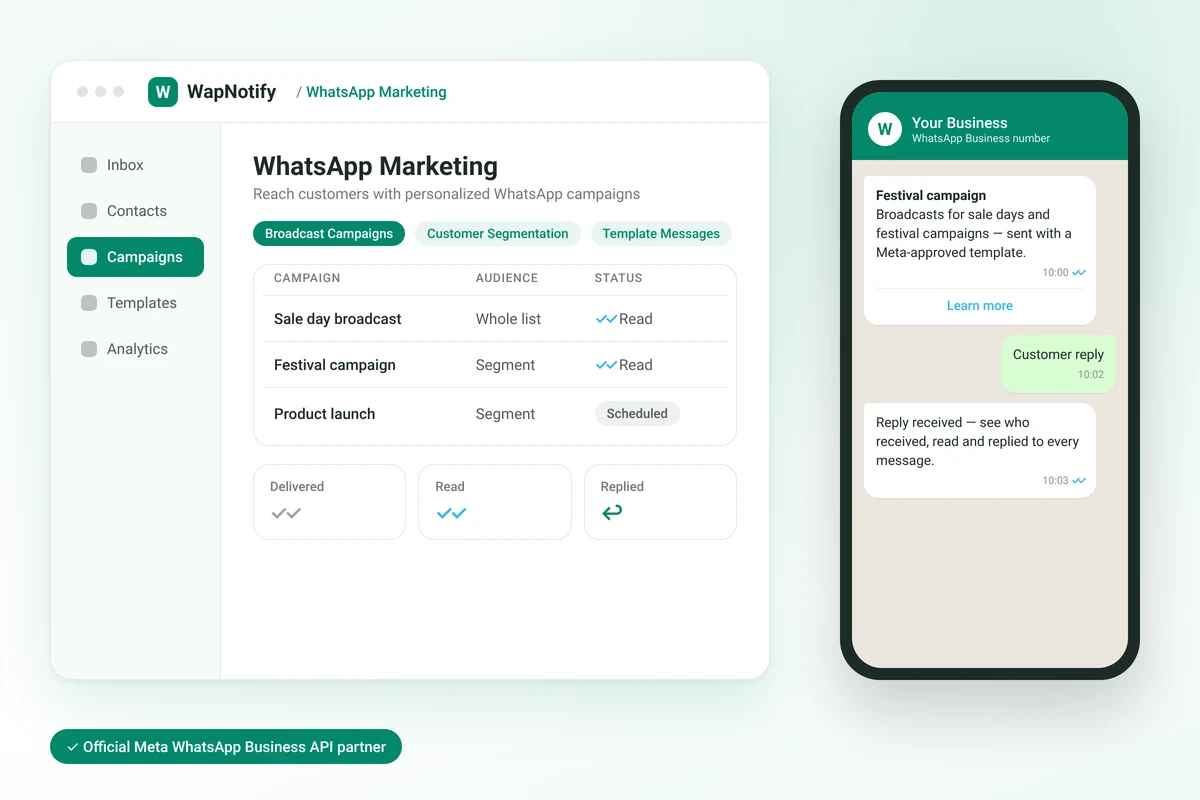
Send WhatsApp broadcasts to your whole contact list or just the right segment. Use Meta-approved templates, schedule campaigns in your customers’ time zone, and see who received, read and replied to every message.
Sale days, launches, reminders and updates all need to reach a lot of customers at once. Sending them one by one from a phone isn’t practical, and there’s no way to see who actually received them.
WapNotify’s WhatsApp Marketing lets you send bulk campaigns from your WhatsApp Business number using Meta-approved templates. Target your whole list or a filtered segment, schedule the send, and track delivery, reads and replies for every recipient.
It runs on the official Meta WhatsApp Business API, with template creation and approval built in.
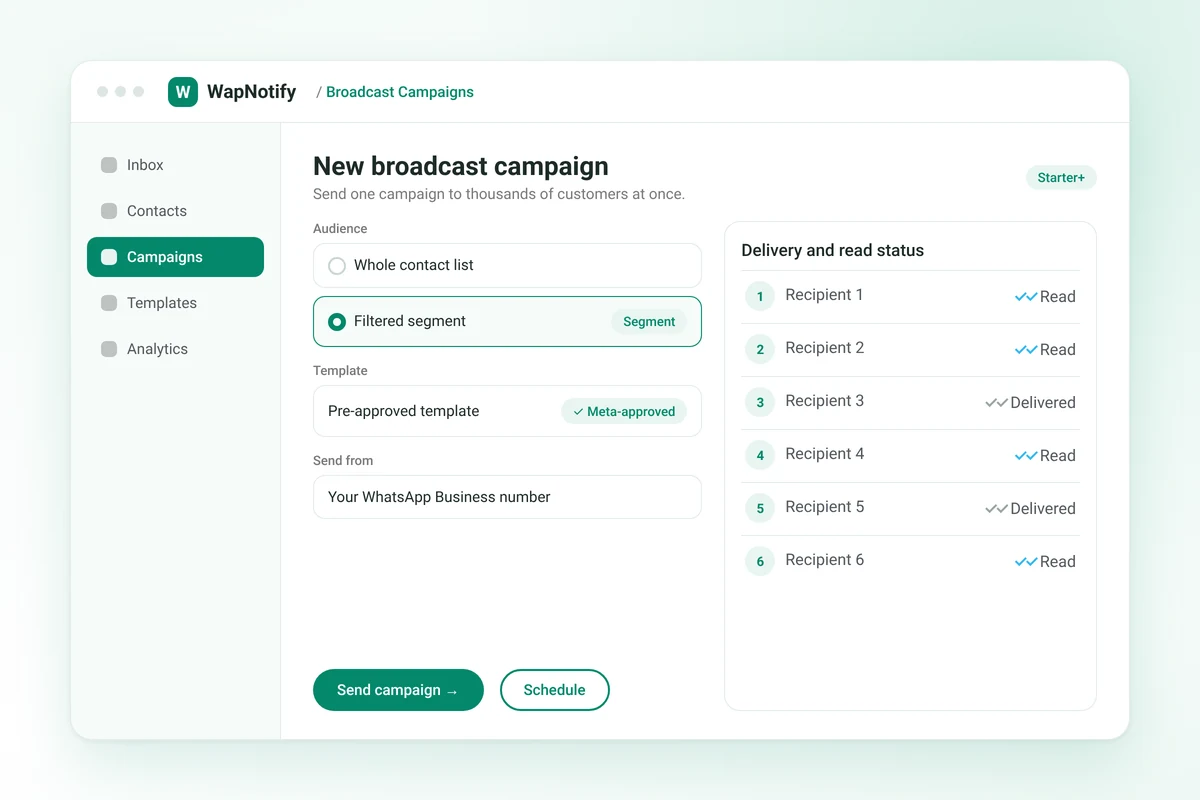
Send one campaign to thousands of customers at once.
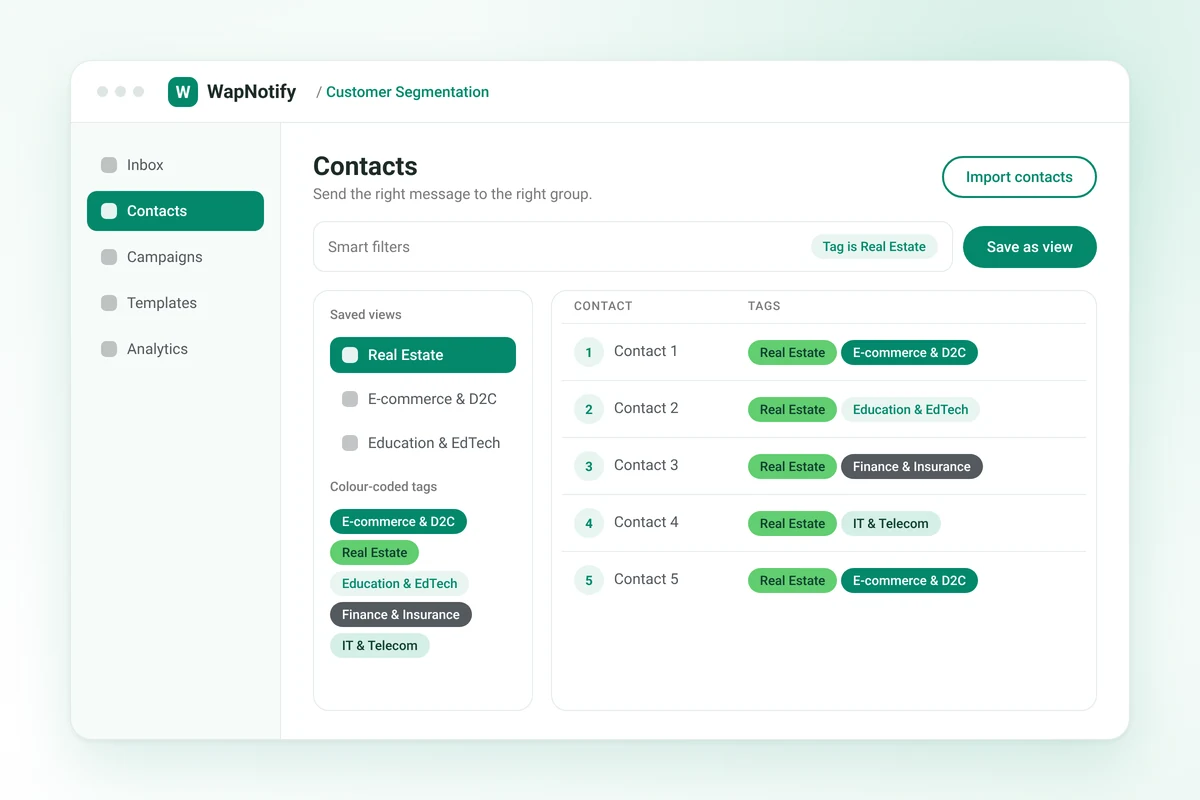
Send the right message to the right group.
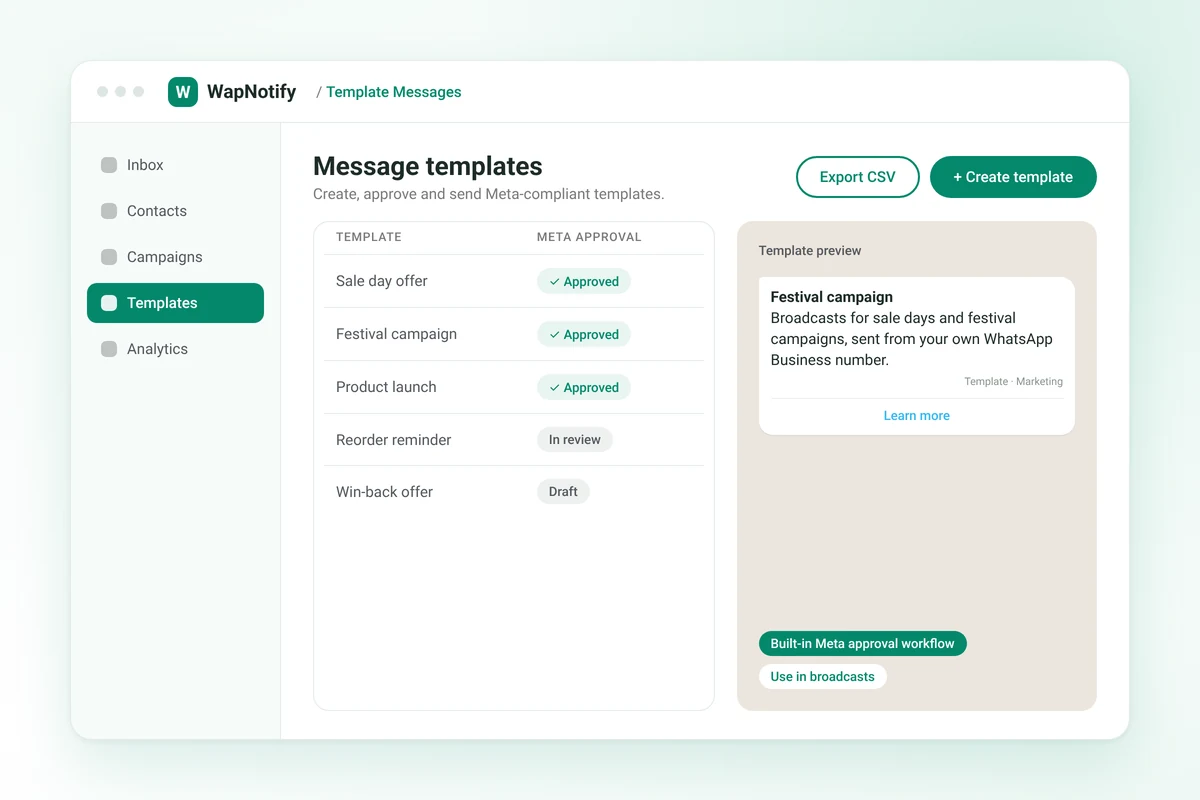
Create, approve and send Meta-compliant templates.
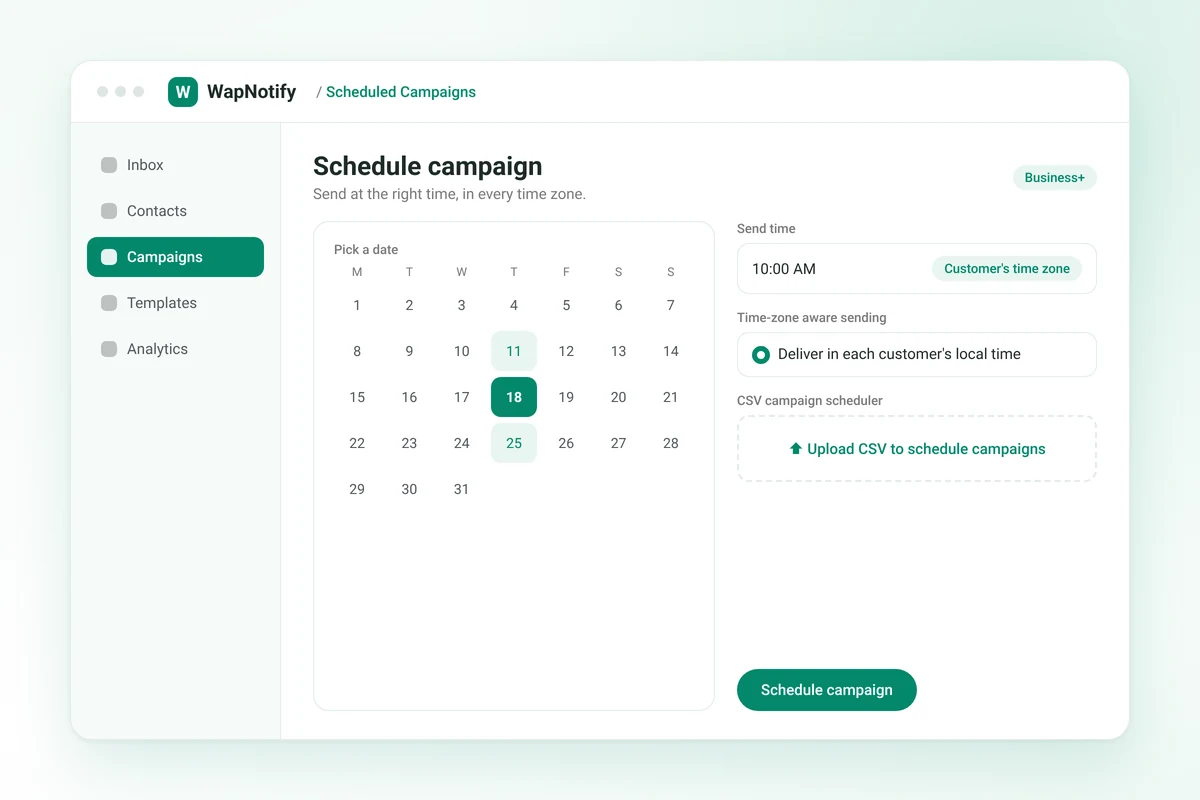
Send at the right time, in every time zone.
Bring customers back with follow-up campaigns.
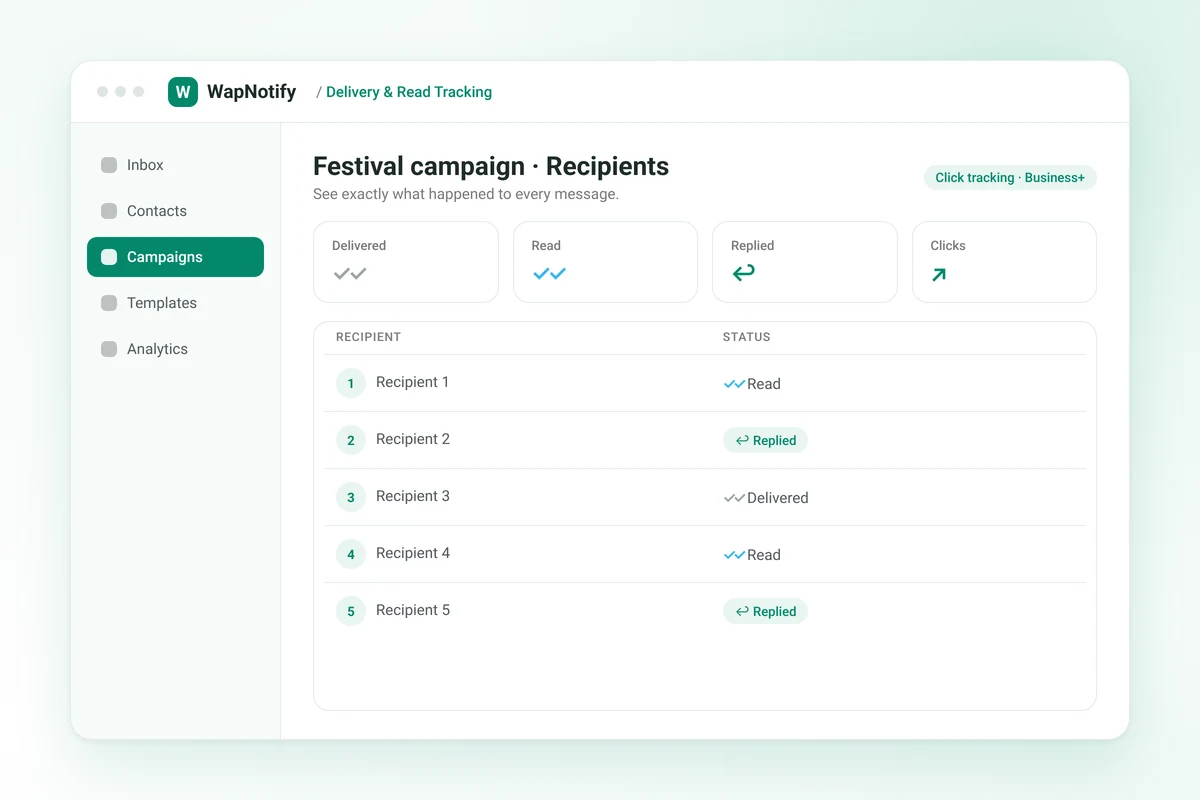
See exactly what happened to every message.
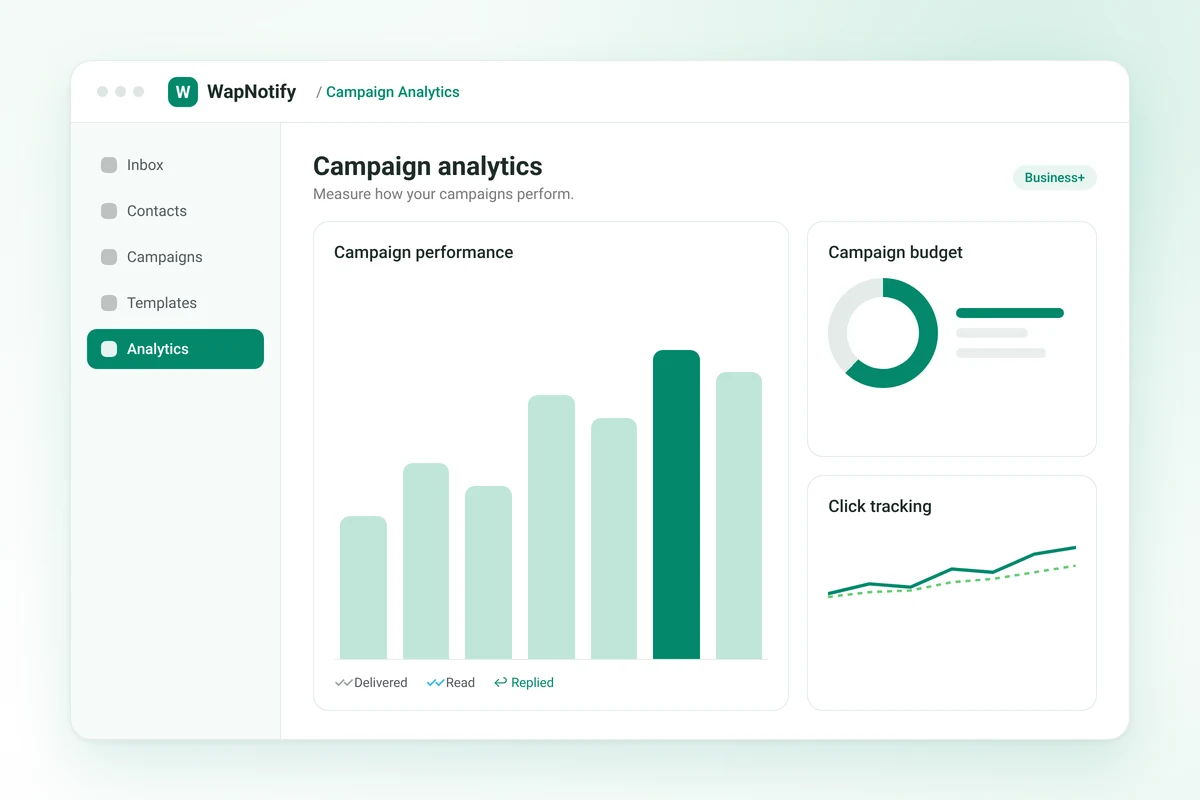
Measure how your campaigns perform.
Broadcast Campaigns
Send pre-approved template messages to your entire contact list or to a filtered segment in a single campaign. Every message goes out from your own WhatsApp Business number.
Key capabilities
Customer Segmentation
Group your contacts with colour-coded tags and find them quickly with smart filters. Save the filters you use often as views, then send a campaign to just that segment.
You can tag and segment contacts as soon as you import them.
Key capabilities
Template Messages
WhatsApp requires an approved template to message customers outside the 24-hour window, and for broadcasts. WapNotify has template creation and the Meta approval workflow built in, so you can manage templates without leaving the dashboard.
Key capabilities
Scheduled Campaigns
Plan campaigns ahead and schedule them to go out when your customers are most likely to see them. Scheduling is time-zone aware.
On the Business plan, you can also schedule campaigns from a CSV file.
Key capabilities
Retargeting
Follow up with customers who didn’t complete a purchase, haven’t reordered in a while, or went quiet after an enquiry.
Key capabilities
Delivery & Read Tracking
Every campaign shows a status for each recipient, so you know who received your message, who read it and who replied.
On the Business plan, you can also track clicks on your campaigns.
Key capabilities
Campaign Analytics
Review the performance and budget of your campaigns in one place, so you can see what is working and plan your next send.
Key capabilities
Step 1
Guided Meta Business Manager setup. Meta approval usually takes 24–48 hours.
Step 2
Upload by CSV or sync, then tag and segment.
Step 3
Broadcast approved templates to your list or a segment, and track delivery and reads.
Broadcasts for sale days and festival campaigns.
View industry →
Project launch broadcasts to interested buyers.
View industry →
Admissions, batch and results broadcasts to parents.
View industry →
Policy, SIP and market-update broadcasts.
View industry →
Launch, maintenance and offer broadcasts.
View industry →
It lets you send bulk WhatsApp campaigns from your WhatsApp Business number using Meta-approved templates. You can send to your whole list or a filtered segment, schedule campaigns, and track delivery and reads for every recipient.
Yes. Use tags and smart filters to build a segment, then send the campaign to just that group.
WhatsApp only allows free-form messages within 24 hours of a customer’s last message. Broadcasts and any message after that window must use a template approved by Meta. WapNotify has template creation and the approval workflow built in.
Yes. Scheduling is time-zone aware. Campaign scheduling and the CSV campaign scheduler are included in the Business plan.
Each campaign shows a status for every recipient: delivered, read or replied.
No. WapNotify charges a flat platform fee. Meta bills conversation charges directly at its standard rates, with no markup.
WhatsApp broadcasting is included from the Starter plan. Campaign scheduling, click tracking and campaign analytics are included in the Business plan.
The trial is 14 days with no card. After it ends, broadcasts, templates and other paid features pause until you upgrade.
Yes. Import contacts by CSV, then tag and segment them for your campaigns.
Yes. WapNotify is an official Meta WhatsApp Business API partner, and templates follow Meta’s approval process.
Manage contacts, tags, custom fields and conversation history in one place.
Explore →
Automation flows to handle routine messages.
Explore →
Reply to customers with a chatbot, plus QR codes and website widgets.
Explore →
Manage your catalog, orders, invoices and stock.
Explore →