Most small business owners start using WhatsApp automation for small business the same way: they set up one greeting message and call it done. That’s a fine starting point, but it barely scratches what’s actually possible. Good whatsapp automation strategies save hours of repetitive typing every week, catch customers who’d otherwise be missed outside business hours, and make a two-person team feel far more responsive than its size would suggest. This guide walks through exactly how to automate whatsapp messages in a way that actually helps your business, without turning your account into something that feels robotic or impersonal.
Why Automation Matters More for Small Teams
Automation sounds like something built for large companies with dedicated support staff, but the opposite is often true. A small business with one or two people answering messages benefits disproportionately from automation, since every automated reply is time that person gets back to handle actual sales, orders, or problems that need a human. The goal isn’t replacing every conversation, it’s removing the repetitive ten percent of messages that eat up most of the day.
The Real Cost of Manual-Only Replies
Without any automation, a customer who messages at 9pm gets silence until the next morning, and a customer asking the same shipping question you’ve answered fifty times this month gets the same manual typing all over again. Neither of these is a good use of a small team’s limited time, and both are solved with fairly simple automation.
Getting Ready to Automate
WhatsApp Business App vs API for Automation
The free WhatsApp Business App supports basic greeting and away messages, along with simple quick replies you trigger manually. Real automation, meaning flows that respond based on what a customer actually says or trigger off an event like a completed order, requires the WhatsApp Business API. If you haven’t made that move yet, our whatsapp business api setup guide covers exactly what’s involved before you start layering on automation.
Setting Your Foundation First
Automation only works well on top of a solid setup. A complete, verified profile and an accurate catalog matter more than people expect, since automated messages referencing your business or products only build trust if the rest of your account looks credible too. If you’re still working through the basics, reviewing how to create whatsapp business profile content or understanding the whatsapp business verification process is worth doing before you invest time in automation flows.
Core WhatsApp Automation Strategies
Automated Greeting and Away Messages
A whatsapp automated greeting message that fires the instant a new customer writes in sets expectations immediately, even if no one’s actively watching the phone. Keep it short and specific: who you are, roughly how fast you typically reply, and maybe one line pointing them to your catalog if that’s relevant. Getting your whatsapp automated replies setup right at this basic level is the single highest-return automation move for a business that hasn’t automated anything yet.
Automating Customer Service
Whatsapp automation for customer service works best when it handles the predictable questions first: shipping timelines, return policies, store hours, and pricing for common items. A simple keyword-triggered response, where typing “shipping” or “returns” brings back a pre-written answer, removes a huge share of repetitive typing without needing anything close to a full chatbot for small business setup.
WhatsApp Chatbot for Small Business
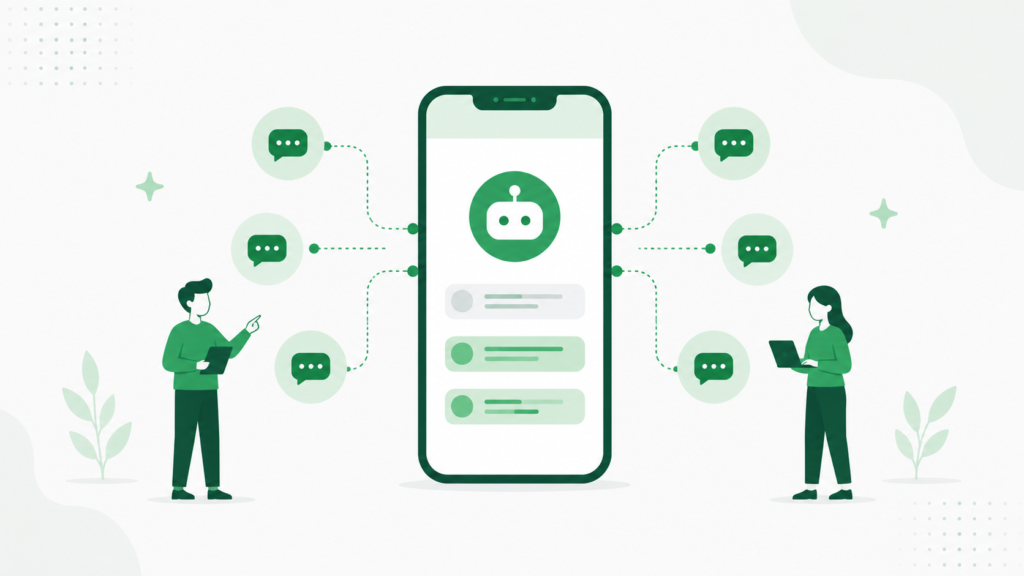
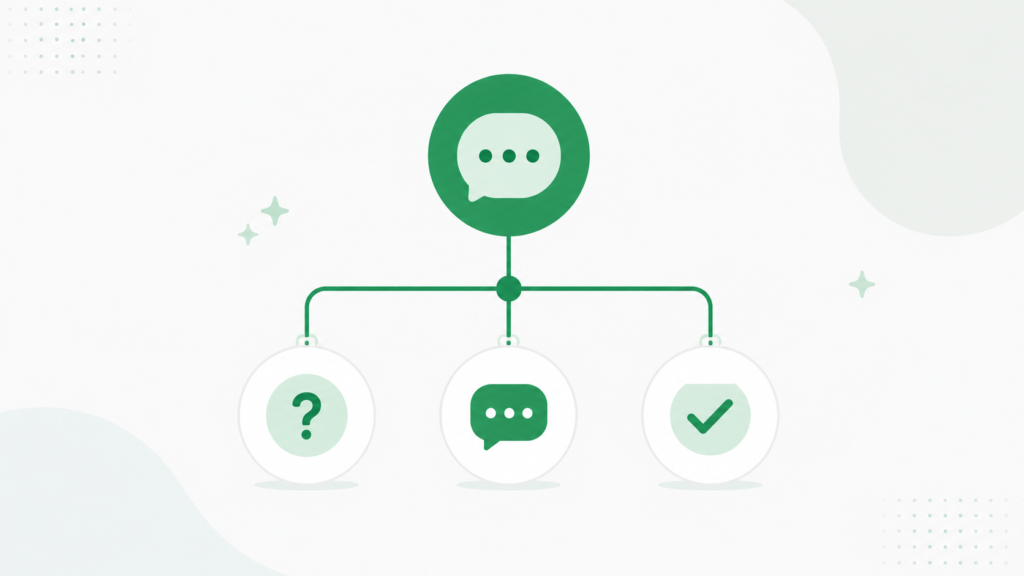
A proper whatsapp chatbot for small business goes a step further than keyword triggers, walking a customer through a short menu of options, checking order status, booking a service, or browsing categories, before handing off to a human only when needed. This doesn’t require a large budget or technical team. Most modern platforms let you build these flows visually, which is exactly why whatsapp automation without coding has become the standard expectation rather than a nice-to-have.
Order and Appointment Automation
Whatsapp order automation for small business typically starts with a simple confirmation message the moment an order comes in, followed by a shipping update and a delivery confirmation, all triggered automatically instead of manually typed for every single sale. For service businesses, whatsapp appointment reminder automation works the same way: a confirmation right after booking, a reminder the day before, and an optional rebooking nudge afterward, all without anyone on your team lifting a finger for routine bookings.
Automation for Lead Generation
Whatsapp automation for lead generation usually looks like a simple qualifying flow: a few quick questions that sort an inbound inquiry by budget, need, or timeline before it reaches a salesperson. This means your team spends time on leads that are actually ready to talk, instead of manually screening every single inbound message first.
WhatsApp Automation for E-commerce Small Business
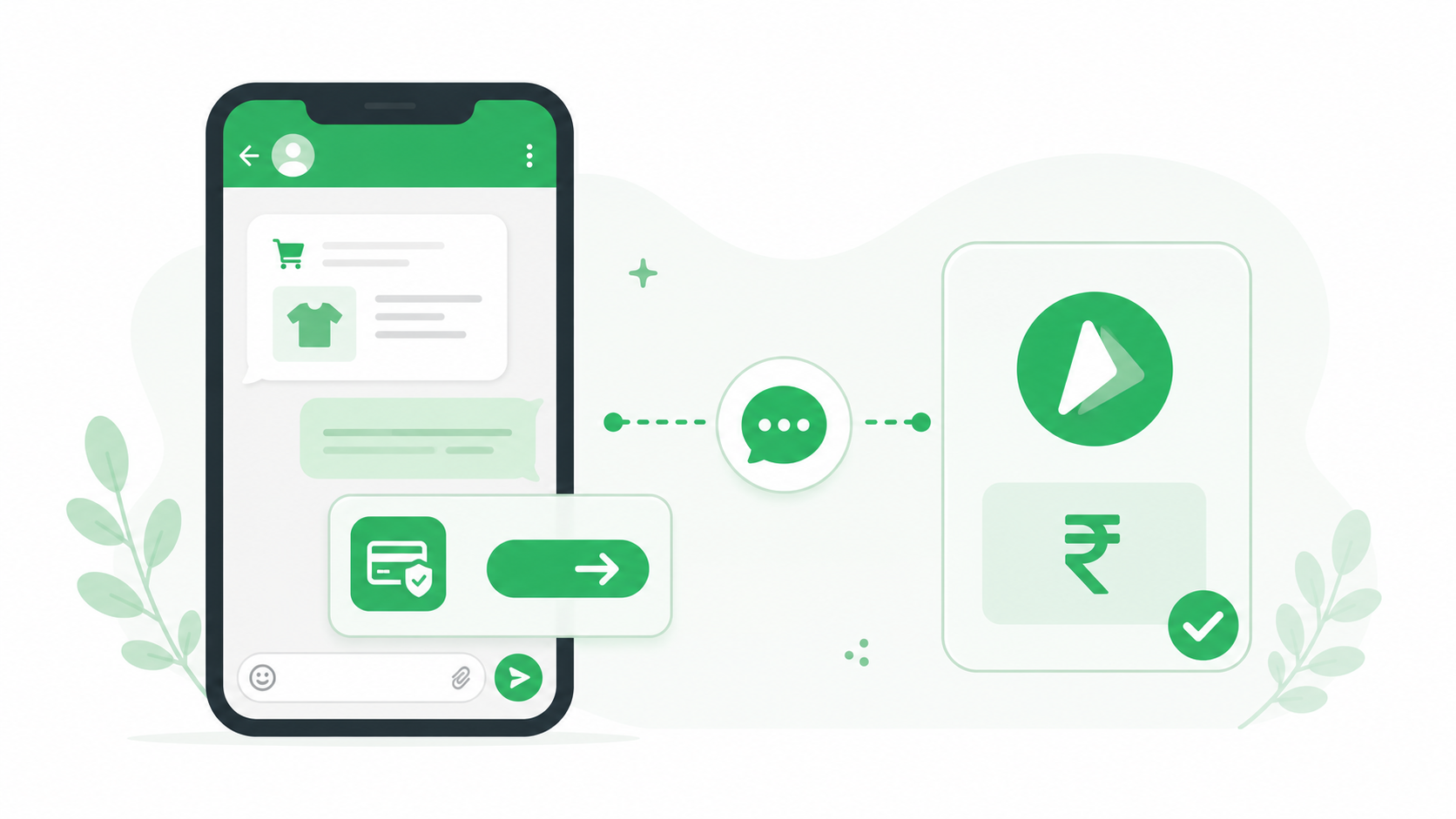
Whatsapp automation for ecommerce small business benefits most from connecting directly to store data, so cart reminders, restock alerts, and order status updates trigger automatically off real customer behavior. Pairing this with WhatsApp Commerce features lets customers browse a catalog and even complete a purchase without leaving the chat, which shortens the path from interest to sale considerably. If bulk sending is part of your plan, an online bulk WhatsApp sender with proper segmentation keeps automated promotions feeling relevant instead of generic.
Automation for Retail Small Business
Whatsapp automation for retail small business tends to focus on stock and availability, an automated reply confirming whether a size or item is in stock, paired with a quick catalog link, handles a huge share of pre-purchase questions without anyone needing to check the shelf and reply manually every time.
Choosing WhatsApp Automation Tools and Software
Evaluating WhatsApp Business Automation Tools
Not all whatsapp business automation tools are built the same. Some only offer basic keyword triggers, while others support full multi-step flows, CRM integration, and reporting on how each automated message actually performs. Prioritize whatsapp business api automation features like event-based triggers and conversation routing over tools that only replicate what the free app already does.
Whatsapp Automation Software for Small Business
When comparing whatsapp automation software for small business, look past the feature list and check whether the platform is genuinely built for a small team’s budget and technical comfort level, not scaled-down enterprise software with a confusing interface. A best crm for whatsapp option that combines automation with contact management in one place tends to be far more usable day to day than stitching together separate tools.
Whatsapp Workflow Automation Beyond Messaging
Whatsapp workflow automation can extend past simple replies into connecting WhatsApp with your broader business tools, so a new order or booking updates your records automatically instead of requiring manual entry somewhere else. A best crm with whatsapp integration setup is what makes this level of automation genuinely useful rather than just a messaging convenience.
Understanding WhatsApp Automation Cost for Small Business
Whatsapp automation cost for small business varies by platform, but most providers now offer plans scaled specifically for smaller teams rather than only enterprise pricing. Working with an established WhatsApp Business API partner helps you avoid overpaying for features you won’t use while still getting the automation capabilities that actually move the needle for your size of business.
WhatsApp Automation vs Manual Replies: Finding the Balance
The whatsapp automation vs manual replies debate isn’t really about choosing one over the other. The businesses that get this right automate the predictable, repetitive parts of a conversation and keep a real person handling anything that involves judgment, a complaint, a custom request, or a genuinely unusual question. Automating everything tends to frustrate customers just as much as automating nothing frustrates your team.

WhatsApp Automation Best Practices
Following a few whatsapp automation best practices keeps your setup useful instead of annoying:
- Keep automated messages short and genuinely helpful, not just a wall of options
- Always leave a clear path to reach a human, especially for anything automation can’t resolve
- Review and update your automated flows every few months as your products or policies change
- Test any new automation on a small group before rolling it out to your full contact list
- Track which automated messages actually get read and acted on, and retire ones that don’t
Testing Your Automated Messages Before Scaling
Even a well-designed automation flow benefits from testing before it reaches your entire contact base. Running a proper A/B test WhatsApp marketing campaign approach on a new automated message, comparing two versions of a greeting or a reminder, catches wording or timing issues early. It’s also worth reviewing best time to send whatsapp marketing messages guidance for any automation tied to a schedule rather than a trigger, since even automated sends perform better at the right time of day.
Conclusion
WhatsApp automation for small business works best when it’s built gradually, starting with a proper greeting and away message, then layering in customer service replies, order or appointment automation, and eventually lead qualification as your comfort with the tools grows. None of this requires a large team or technical background, just a clear sense of which conversations are genuinely repetitive and worth automating, and which ones need a real person’s attention. Start with the highest-volume, most predictable messages in your inbox, automate those first, and expand from there.
Frequently Asked Questions
What is the easiest way to automate WhatsApp messages for a small business?
The easiest starting point is setting up a greeting message and an away message through WhatsApp Business, which requires no technical skill and takes a few minutes. For more advanced automation like order confirmations or keyword-triggered replies, you’ll typically need WhatsApp Business API paired with a no-code automation platform.
Do I need coding skills to set up WhatsApp automation?
No, most modern WhatsApp automation tools let you build flows visually without writing any code, using simple drag-and-drop builders or menu-based setups. Coding is really only necessary for highly custom integrations that go beyond standard messaging automation.
How much does WhatsApp automation cost for a small business?
Costs vary by provider, but most WhatsApp Business API partners offer plans specifically scaled for small businesses rather than only enterprise pricing. Expect a combination of a platform fee and Meta’s own conversation-based charges, which typically stays reasonable for moderate messaging volume.
Can WhatsApp automation replace customer service staff entirely?
No, automation works best for handling predictable, repetitive questions like shipping times or store hours, while genuine judgment calls and complaints still need a real person. Businesses that try to automate everything tend to frustrate customers who can’t reach a human when they actually need one.
What should a small business automate first on WhatsApp?
Start with a greeting message and away message, since these require the least setup and immediately improve response consistency. From there, automating order confirmations or appointment reminders usually delivers the next biggest time savings for the least effort.