DM for price, send screenshot after payment used to be how a huge share of Indian D2C sellers ran their WhatsApp business. It worked, barely, but every extra step between a customer wanting something and actually paying for it costs sales. UPI payments on WhatsApp for business have matured enough now that this manual back-and-forth is no longer necessary, and sellers still relying on it are quietly losing customers to competitors who’ve made checkout a single tap inside the chat. This guide covers exactly how to collect payments via WhatsApp using UPI, the setup involved, and what actually works for Indian D2C sellers today.
Why UPI on WhatsApp Matters for D2C Sellers Right Now
The Scale WhatsApp Pay Has Reached
WhatsApp Pay has grown into a genuine part of India’s UPI ecosystem rather than a minor experiment. As of mid-2026, it was processing well over 160 million UPI transactions a month, having grown past both Cred and Amazon Pay to become the eighth-largest UPI app in the country by volume. That growth followed the National Payments Corporation of India removing the long-standing cap on how many users WhatsApp could onboard, a restriction that had limited the service to 100 million users for years before being lifted in December 2024. For a D2C seller, this means a very large share of your customer base can now realistically pay through WhatsApp itself, not just chat with you on it.
Two Different Ways Businesses Actually Collect UPI Payments on WhatsApp
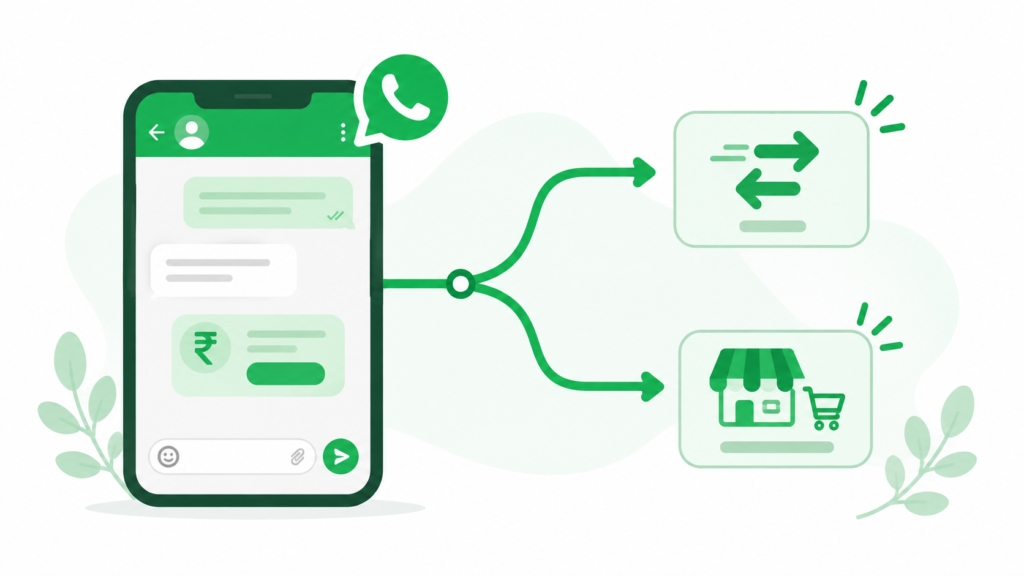
This is where a lot of guides get vague, so it’s worth being specific upfront. There are two distinct paths for whatsapp pay for business india, and most sellers end up using the second one, not the first.
The first is native WhatsApp Pay, the peer-to-peer style UPI feature built into the app itself. It’s genuinely available to businesses, and companies like JioMart have used it to run an entire shopping experience inside WhatsApp, but it’s designed around direct, in-app transfers rather than structured order and checkout flows.
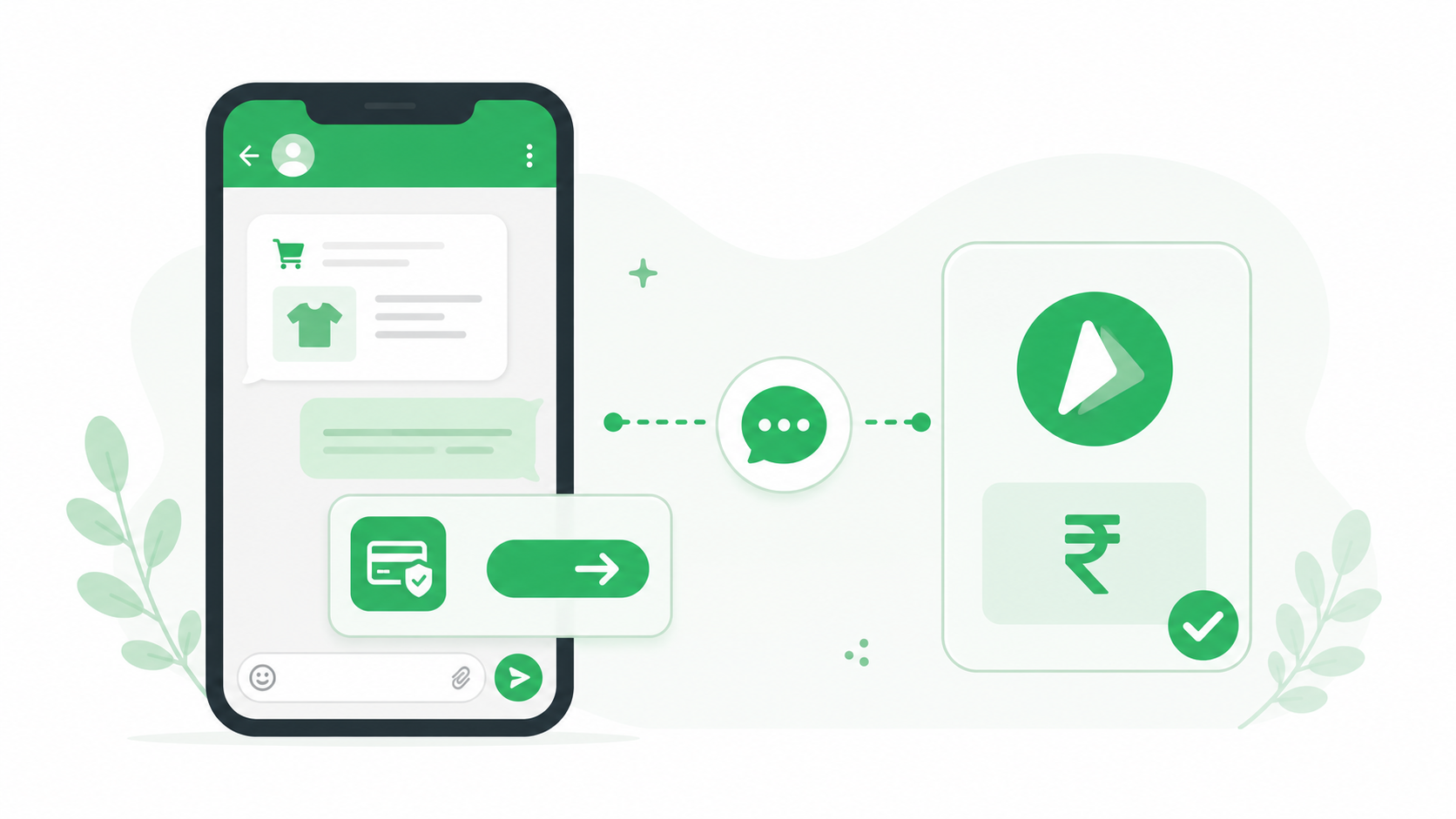
The second, and far more common for D2C brands, is accepting payments through a payment gateway partner, most often Razorpay or Cashfree, or through PayU, connected to your WhatsApp Business API account. This path supports UPI Intent, where tapping a payment message opens the customer’s own UPI app pre-filled with the transaction, alongside payment links, and even cards and net banking, all from inside the same WhatsApp conversation.
Setting Up UPI Payments on WhatsApp
Getting Your WhatsApp Business Foundation Right First
Before any payment integration works properly, your underlying WhatsApp setup needs to be solid. Payment features specifically depend on WhatsApp Business API rather than the free consumer app, so if you haven’t made that move yet, working through a proper whatsapp business api setup guide is the necessary first step before payment collection becomes possible at all.
Choosing a Whatsapp Payment Gateway Integration
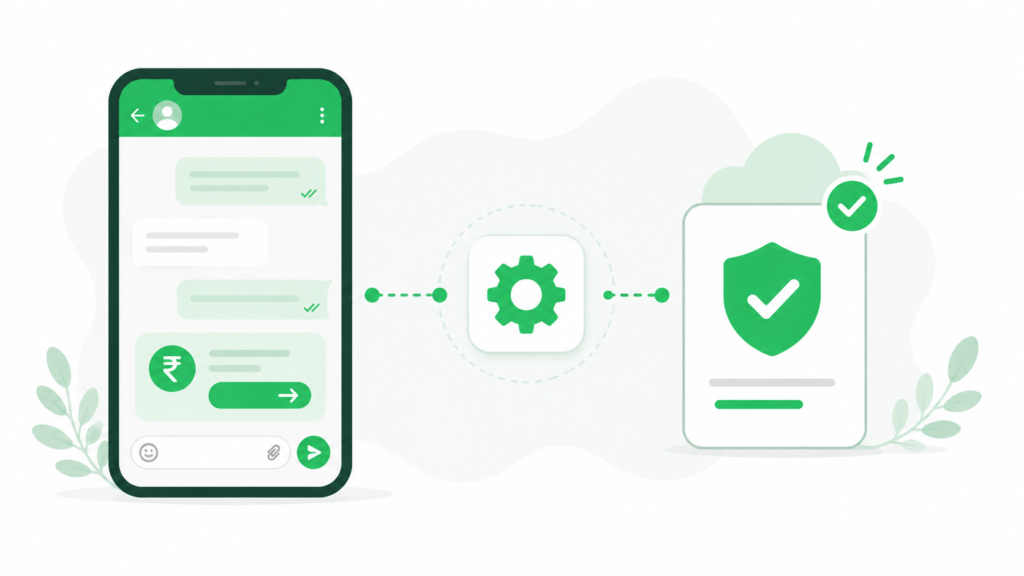
A whatsapp payment gateway integration through Razorpay or Cashfree typically involves connecting your existing merchant account to your WhatsApp Business number, after which the gateway can generate payment requests that appear directly inside customer chats. A razorpay whatsapp payment integration specifically supports UPI, cards, and net banking through one connection, which matters if some of your customers prefer paying by card rather than UPI.
How to Send a Payment Link on WhatsApp
Learning how to send payment link on whatsapp comes down to generating the link through your connected gateway and sending it either manually during a conversation or automatically as part of an order flow. Static links work for quick, ad-hoc requests, while dynamic links tied to a specific order amount are what most D2C sellers should be using for actual product sales, since they remove any chance of a customer sending the wrong amount.
Understanding UPI Intent on WhatsApp Business
Upi intent whatsapp business flows work slightly differently from a plain payment link. Instead of opening a web page, tapping the payment message opens the customer’s own UPI app, PhonePe, Google Pay, or whichever they already use, with the amount and merchant details pre-filled. This tends to convert better for mobile-first Indian shoppers than a browser-based checkout, since it avoids app-switching friction entirely.
Template Requirements for Payment Messages
Any payment message sent outside an active, customer-initiated 24-hour conversation window needs to go through a pre-approved message template, the same rule that applies to all WhatsApp Business API messaging. Getting your whatsapp payment link template approved in advance, rather than trying to build one the moment you need it, avoids delays right when a customer is ready to pay. Reviewing whatsapp message template testing tips before submission helps avoid the rejection cycles that can stall a launch by a day or two.
Integrating Payments Into Your Sales Flow
Whatsapp Catalog Payment Integration
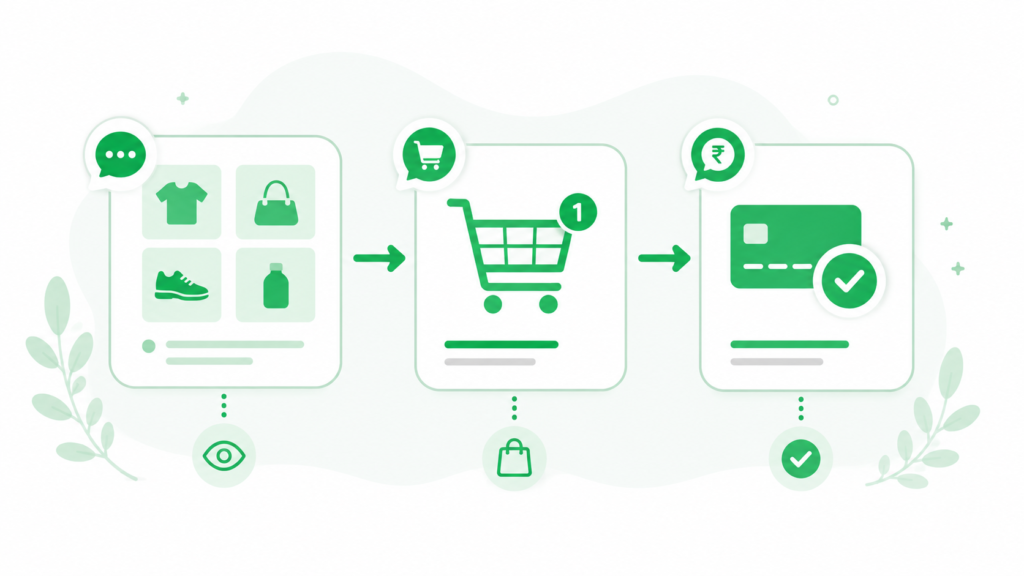
For sellers already using WhatsApp’s catalog feature, whatsapp catalog payment integration connects product browsing directly to checkout, so a customer can go from seeing a product to paying for it without leaving the chat. This is also where a genuine WhatsApp Commerce setup pays off, since it ties catalog, cart, and payment into one continuous flow rather than three separate steps.
Whatsapp Order Payment Automation
Whatsapp order payment automation means the payment request fires automatically once an order is confirmed, rather than requiring a team member to manually generate and send a link for every single sale. Pairing this with a best crm with whatsapp integration setup means payment status, order history, and customer conversation all live in one place instead of being tracked separately across your gateway dashboard and your chat app.
Cashfree WhatsApp Payment Integration as an Alternative
For sellers who already use Cashfree for other parts of their business, cashfree whatsapp payment integration offers a similar setup to Razorpay, generating UPI-based payment links and requests that plug into the same WhatsApp order flow. Choosing between the two usually comes down to which gateway you’re already set up with elsewhere in your business, rather than a major difference in WhatsApp-specific capability.
Whatsapp Pay vs Payment Gateway: Which Should You Use
The whatsapp pay vs payment gateway question isn’t really about picking a winner, since the two solve slightly different problems. Native WhatsApp Pay works well for simple, direct transactions and doesn’t require a separate merchant account, but it lacks the structured order tracking, automation, and multi-payment-method flexibility that a proper gateway integration provides. Most D2C sellers running an actual product catalog and order volume end up on the payment gateway path, reserving native WhatsApp Pay mainly for informal, one-off transactions.
Understanding Costs and Security
What UPI Payments on WhatsApp Actually Cost
Meta itself doesn’t charge a separate fee specifically for WhatsApp Pay transactions. What you pay is your standard payment gateway processing fee, generally somewhere in the range of 1.7% to 2.5% plus GST depending on your volume and whether the customer pays by UPI or card, the same rate structure you’d see accepting payments anywhere else online.
Security and Regulatory Backing
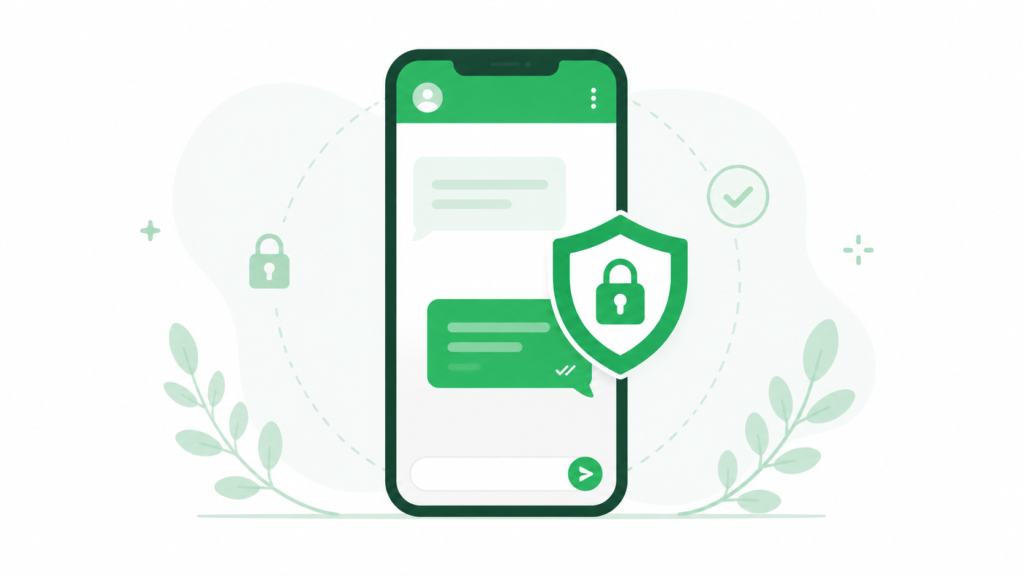
Every UPI transaction through WhatsApp, whether native Pay or gateway-routed, runs on the same NPCI-governed UPI rails and requires UPI PIN authentication to complete, with the Reserve Bank of India overseeing the underlying framework. This regulatory backing is worth mentioning to hesitant customers directly, since some Indian shoppers still associate in-chat payments with informal, riskier transactions rather than the same regulated system behind every other UPI app they already trust.
Whatsapp Payments for Ecommerce India Beyond Basic Checkout
Best Way to Collect Payments on WhatsApp India for Growing Brands
For the best way to collect payments on whatsapp india as your order volume grows, layering automation on top of your basic gateway integration matters more than which specific gateway you chose initially. A simple order confirmation bot, built using clear whatsapp chatbot prompts examples as a starting point, can confirm an order, trigger the payment request, and send a receipt automatically, removing manual steps from every single sale.
Connecting Payments to Your Broader Marketing
Once checkout is solid, the same WhatsApp channel becomes far more valuable for marketing too, since a customer who’s already paid through the chat is a warmer audience for a well-timed follow-up offer. Reviewing successful whatsapp marketing campaigns for structural ideas, and staying current with a proper whatsapp marketing strategy 2026 approach, helps D2C sellers turn a simple payment flow into a repeat-purchase engine rather than a one-time transaction tool.
If You Also Sell Wholesale
Some D2C brands eventually add a wholesale or bulk-order arm alongside their direct-to-consumer sales, and the payment collection needs there look quite different, larger order values, invoicing, and longer sales cycles. If that’s part of your growth plan, a WhatsApp CRM for Wholesale Business setup handles that side separately from your D2C checkout flow, since the two customer journeys rarely benefit from being forced into the same process.
Common Mistakes When Setting Up WhatsApp Payments
- Relying on native WhatsApp Pay alone instead of a proper gateway integration for structured order flows
- Sending static payment links that don’t reflect the actual order amount
- Waiting until a customer wants to pay to start building and submitting a payment message template
- Not connecting payment status back to a CRM, leaving order tracking scattered across tools
- Assuming customers already trust in-chat payments without reinforcing that it runs on regulated UPI infrastructure
Conclusion
Collecting payments via UPI on WhatsApp has moved well past being an experimental feature for Indian D2C sellers, it’s now a mainstream part of how customers expect to pay. Whether you go with native WhatsApp Pay for simple transactions or a full payment gateway integration through Razorpay or Cashfree for structured order flows, the core principle stays the same: every extra step between a customer’s intent to buy and actually completing that payment is a chance to lose the sale. Get your WhatsApp Business API foundation right, choose the payment path that matches your order volume, and automate what you can, and checkout stops being a friction point in your WhatsApp sales process entirely.
Frequently Asked Questions
Can I accept UPI payments directly on WhatsApp for my business?
Yes, Indian businesses can accept UPI payments on WhatsApp either through native WhatsApp Pay or, more commonly for D2C sellers, through a payment gateway like Razorpay or Cashfree connected to WhatsApp Business API. The gateway route supports UPI Intent, payment links, and structured order flows that native WhatsApp Pay doesn’t offer on its own.
Is WhatsApp Pay free for businesses in India?
Meta doesn’t charge a separate fee specifically for WhatsApp Pay transactions, but if you’re using a payment gateway integration, standard processing fees apply, typically in the range of 1.7% to 2.5% plus GST depending on payment method and volume. This is comparable to standard online payment processing costs elsewhere.
What’s the difference between WhatsApp Pay and a payment gateway integration for WhatsApp?
Native WhatsApp Pay is a simple, direct peer-to-peer style UPI feature built into the app, while a payment gateway integration through Razorpay or Cashfree connects to WhatsApp Business API and supports structured order tracking, automated payment requests, and multiple payment methods including UPI, cards, and net banking. Most D2C sellers with real order volume use the gateway route.
Do I need WhatsApp Business API to collect payments via UPI?
For structured, automated payment collection tied to actual orders, yes, WhatsApp Business API is required since the free consumer app doesn’t support payment gateway integrations or automated order flows. Native WhatsApp Pay works on the standard app for simpler, informal transactions.
Is it safe for customers to pay through WhatsApp using UPI?
Yes, UPI payments made through WhatsApp, whether via native WhatsApp Pay or a connected payment gateway, run on the same NPCI-regulated UPI infrastructure used by every other UPI app in India, with UPI PIN authentication required to complete each transaction. The Reserve Bank of India oversees the underlying framework, giving it the same regulatory backing as any other UPI payment method.