A WhatsApp chatbot is only as good as the prompts behind it. The same automation platform can feel genuinely helpful in one business’s hands and completely robotic in another’s, and the difference almost always comes down to how the conversation was actually written. This guide walks through whatsapp chatbot prompts examples you can adapt directly, how to write whatsapp chatbot prompts that sound like your business rather than a script, and how to use tools like ChatGPT to speed up the writing process without losing that human feel.
Why the Right Prompts Make or Break a WhatsApp Chatbot
Customers don’t care whether they’re talking to a bot or a person, they care whether the conversation gets them an answer quickly. A poorly written prompt creates dead ends, confusing menus, or replies that don’t match what the customer actually asked. Best prompts for whatsapp business chatbot setups share a few things in common: they’re short, they anticipate what the customer will type next, and they always leave a clear way to reach a human when the automated flow can’t help.
How to Write WhatsApp Chatbot Prompts That Actually Work
Keep It Short and Conversational
WhatsApp is a texting interface, not a form. Long, formal paragraphs feel out of place next to the short, casual messages people are used to sending on the platform. When you’re working out how to write whatsapp chatbot prompts, aim for the same tone a helpful staff member would use in person: direct, friendly, and never longer than it needs to be.
Prompt Engineering Tips for WhatsApp Specifically
Whatsapp chatbot prompt engineering tips that apply elsewhere don’t always translate directly, since WhatsApp has its own constraints. Numbered lists work well because customers can just reply with a digit instead of typing a full sentence. Keep each message focused on one decision at a time rather than asking multiple questions at once, and always build in a way to say “something else” or “talk to a person,” since no flow anticipates every possible request.
Essential WhatsApp Chatbot Prompt Categories
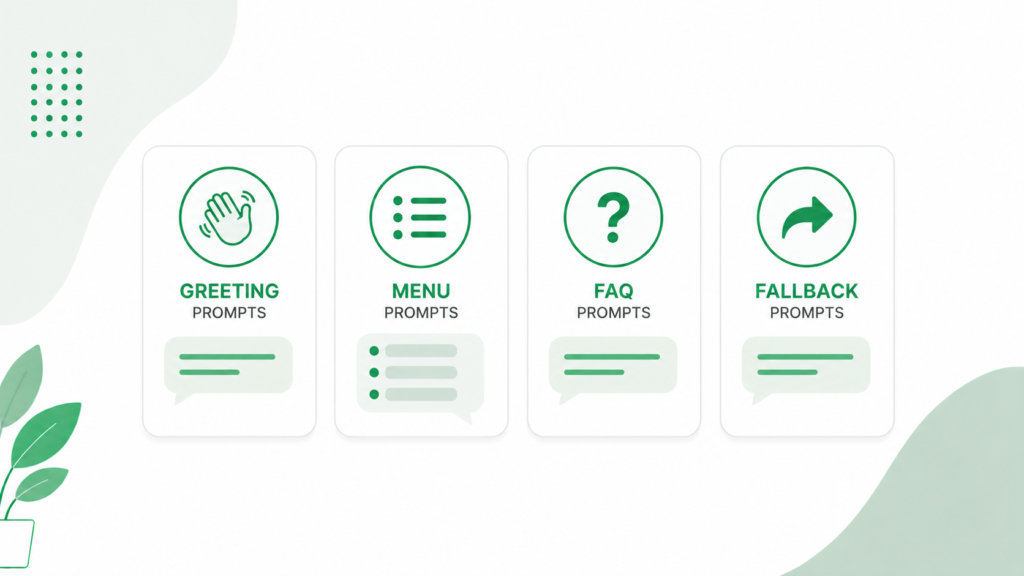
Greeting Message Prompts
Whatsapp chatbot greeting message prompts set the tone for everything that follows. A strong opening confirms who the customer is talking to, gives them a sense of what the bot can help with, and gets them moving immediately. Something like “Hi, thanks for messaging [Business Name]. I can help with orders, appointments, or general questions, what do you need today?” does all three in one line.
Menu Prompts
Whatsapp chatbot menu prompts work best when they’re short and numbered, since customers on mobile are far more likely to tap a number or reply with a digit than type out a full request. Keep the menu to four or five options at most. A longer list gets skimmed and ignored rather than read carefully.
FAQ Prompts
Whatsapp chatbot faq prompts should mirror how customers actually phrase questions, not how your team internally describes the answer. If customers commonly ask “when will my order arrive,” build the trigger around that exact phrasing rather than a more formal version like “delivery timeline inquiry,” since chatbots that don’t recognize natural phrasing frustrate people quickly.
Fallback Message Prompts
Whatsapp chatbot fallback message prompts matter more than most businesses realize, since every bot eventually gets a message it can’t understand. A good fallback prompt acknowledges the miss honestly, offers to connect the customer to a person, and avoids looping the same “I didn’t understand that” message more than once or twice before escalating automatically.
WhatsApp Chatbot Prompts by Use Case
Customer Support Prompts
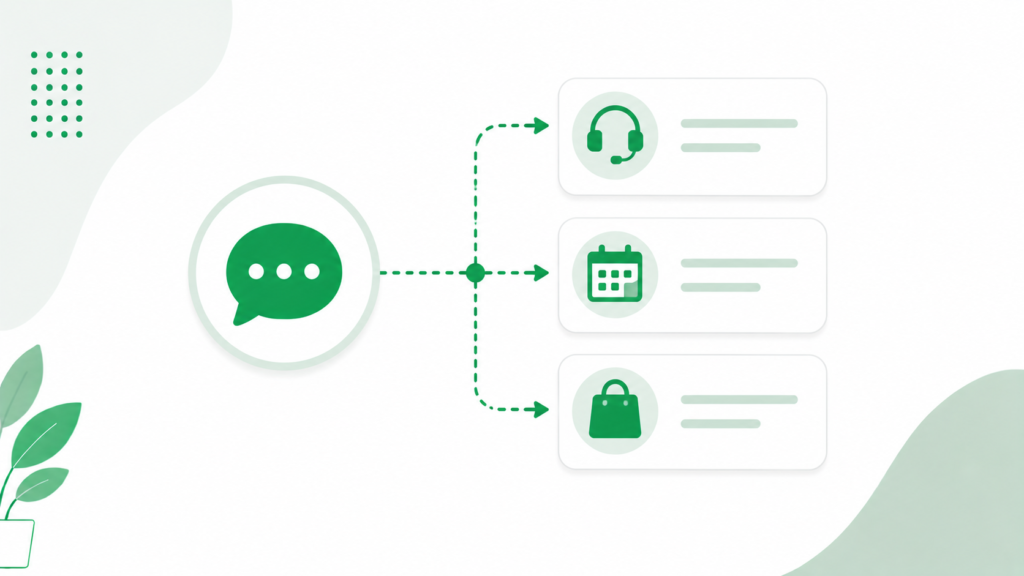
Whatsapp chatbot prompts for customer support work best when they triage before they solve. A first prompt asking whether the issue is about an order, a return, or something else routes the conversation faster than trying to build one giant flow that tries to handle everything at once.
Lead Generation Prompts
Whatsapp chatbot prompts for lead generation typically ask two or three qualifying questions, budget, timeline, or specific interest, before handing the conversation to a salesperson. This keeps your team focused on leads that are genuinely ready to talk instead of manually screening every inbound message. Once a lead is qualified this way, it feeds naturally into broader WhatsApp marketing tips around follow-up sequencing and timing.
Appointment Booking Prompts
Whatsapp chatbot prompts for appointment booking should confirm the service needed, offer a short list of available time slots, and send a confirmation message immediately after booking. Keeping this flow to three or four steps total avoids the drop-off that happens when a booking process feels longer than just calling in.
Order Tracking Prompts
Whatsapp chatbot prompts for order tracking usually just need an order number or phone number lookup, followed by a clear status update. This single flow, done well, eliminates a large share of “where is my order” messages that would otherwise need a human reply every time.
E-commerce Prompts
Whatsapp chatbot prompts for ecommerce benefit from linking directly into product browsing, letting a customer ask about a specific item and get a quick answer on stock or pricing without leaving the chat. Pairing this kind of flow with proper WhatsApp Commerce catalog features means the bot can pull real, current product data instead of relying on static, hardcoded responses that go stale the moment inventory changes.
Using ChatGPT and AI Tools to Generate Prompts
ChatGPT Prompts for WhatsApp Chatbot Scripts
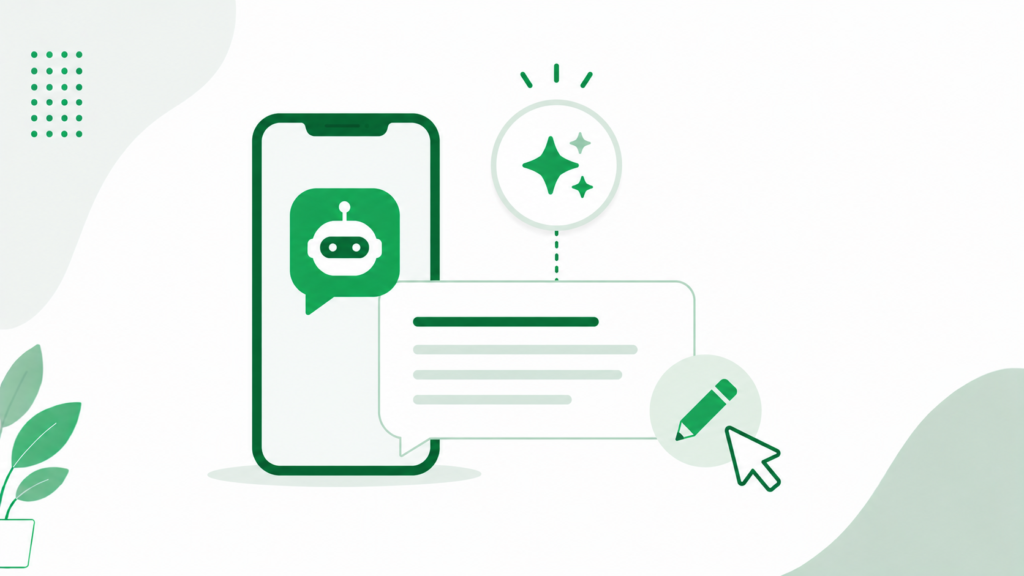
Chatgpt prompts for whatsapp chatbot scripts can speed up first drafts considerably, especially for FAQ responses and menu wording. A useful starting prompt looks like: “Write a short, friendly WhatsApp chatbot reply for a [type of business] confirming an order has shipped, under 30 words.” Asking for multiple short variations at once gives you options to test rather than settling on the first draft.
AI Prompts for Dynamic Conversations
Ai prompts for whatsapp chatbot flows that need to feel more natural, rather than rigid menu-based, benefit from asking the AI tool to write several tone variations of the same message, then picking the one that best matches how your actual team talks to customers. Whatsapp ai chatbot prompt examples generated this way still need a human review pass, since AI-generated drafts often default to a more formal tone than most small businesses actually use with their customers.
Sample Conversation Flow and Script Template
A simple, effective flow for a retail business might look like this:
- Greeting: “Hi, thanks for messaging [Business Name]. Reply 1 for Orders, 2 for Products, 3 for Something Else.”
- If Orders: “What’s your order number? I’ll check the status for you.”
- If Products: “What are you looking for? I can check stock and pricing.”
- If Something Else: “Got it, connecting you to our team now, they’ll be with you shortly.”
This kind of whatsapp chatbot conversation flow example works because each step narrows the conversation toward a resolution rather than opening it up wider. Whatsapp chatbot script templates like this one are meant as a starting point, not a finished product, since your specific products, services, and customer questions will shape the actual wording.
How to Design WhatsApp Chatbot Conversation Prompts for Your Business
Knowing how to design whatsapp chatbot conversation prompts for your specific business starts with your existing chat history, not a generic template. Look through your last month of customer messages, group the repeated questions, and build prompts around those exact patterns first. This approach consistently outperforms starting from a blank template, since it’s built on what your customers actually ask rather than what a generic guide assumes they’ll ask.
Before deploying a new bot broadly, it’s worth confirming your underlying setup is solid. If you’re running this through Meta’s tools, reviewing how to connect whatsapp to meta business suite ensures your chatbot sits on a properly connected, verified number rather than running into avoidable connection issues later. If you haven’t completed your underlying whatsapp business api setup guide steps yet, that’s worth finishing before building out chatbot flows, since automation depends on a stable API connection underneath it.
Testing and Refining Your Chatbot Prompts
Start Small Before Rolling Out Broadly
Test any new prompt set with a small group of real customers or an internal team first, rather than pushing it live to your entire contact base immediately. This catches confusing wording or broken flow logic before it affects a large number of conversations at once.
Reviewing Real Conversations Regularly
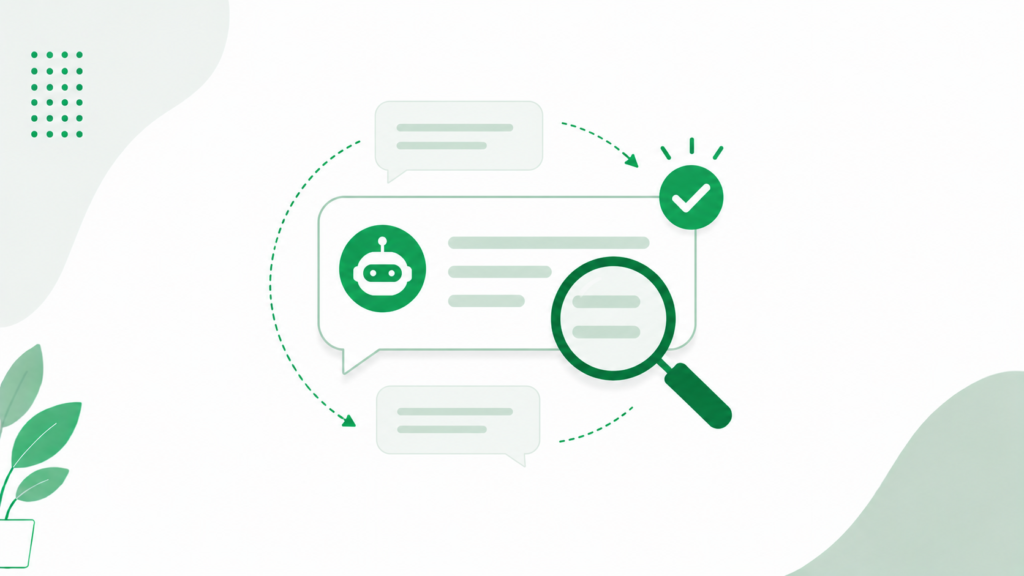
Whatsapp chatbot prompts for small business setups especially benefit from a monthly review of actual bot conversations, looking specifically for where customers dropped off, repeated themselves, or asked for a human. These moments point directly to where your prompts need rewriting. The same testing discipline that applies to promotional messaging, reviewing whatsapp message template testing tips before finalizing wording, applies equally well to chatbot scripts, since both are ultimately about finding what your specific audience responds to.
Conclusion
Good whatsapp chatbot prompts examples all share the same underlying discipline: short messages, one decision per step, wording that matches how customers actually talk, and a reliable path to a human when automation isn’t enough. Whether you’re writing prompts by hand or using ChatGPT to speed up the first draft, the real work happens in reviewing actual conversations and refining based on where customers get stuck. Start with your highest-volume, most repetitive questions, build a simple flow around those first, and expand from there as you learn what your specific customers need.
Frequently Asked Questions
What makes a good WhatsApp chatbot prompt?
A good WhatsApp chatbot prompt is short, conversational, and focused on one decision at a time, using numbered options customers can reply to quickly. It should also always include a clear way to reach a human when the automated flow can’t resolve the request.
Can I use ChatGPT to write WhatsApp chatbot prompts?
Yes, ChatGPT works well for drafting first-pass prompts like greetings, FAQ replies, and menu wording, especially when you ask for several short variations to choose from. AI-generated drafts usually need a review pass to match your actual brand tone before going live.
How long should a WhatsApp chatbot message be?
WhatsApp chatbot messages should generally stay under a few short lines, since long, formal text feels out of place on a messaging platform built around quick, casual exchanges. If a response needs more detail, break it into a short summary with an offer to explain further rather than one long paragraph.
What should a WhatsApp chatbot do when it doesn’t understand a message?
It should acknowledge that it didn’t understand, avoid repeating the same failed response more than once or twice, and automatically offer to connect the customer to a human agent. Looping an unclear message repeatedly is one of the fastest ways to frustrate a customer and push them away from the channel entirely.
How often should I update my WhatsApp chatbot prompts?
Review your chatbot’s actual conversations at least monthly, looking for where customers dropped off or repeated themselves, and update prompts based on those patterns. Treating your chatbot script as a one-time setup rather than something you refine regularly is one of the most common reasons automation underperforms over time.