If you’re already running your Facebook and Instagram presence through Meta Business Suite, connecting WhatsApp into the same dashboard sounds like an obvious move. It mostly is, but meta business suite whatsapp integration comes with real trade-offs worth understanding before you set it up, especially if marketing and automation are part of your plan, not just customer replies. This guide covers exactly how the integration works, what you can and can’t do inside it, and when you’ll want something more capable alongside it.
What Meta Business Suite Actually Does for WhatsApp
Meta Business Suite is Meta’s free, unified dashboard for managing Facebook, Instagram, and WhatsApp business activity from one place. For WhatsApp specifically, it gives you a shared inbox view, basic message management, and a connection point to your broader Meta Business Manager account, the same account that also handles ad accounts and business verification. Under the hood, the WhatsApp connection runs through Meta’s WhatsApp Business Platform, which requires a linked Business Manager account before any API features become accessible, and this requirement is the technical reason Meta Business Suite and WhatsApp are tied together the way they are.
Why Businesses Consider This Integration
The appeal is straightforward: one login, one inbox, one place to see customer messages across three channels instead of switching between separate apps. For a business already active on Facebook and Instagram, adding WhatsApp into that same view removes some genuine friction, particularly for a small team handling all three channels themselves.
How to Connect WhatsApp to Meta Business Suite
Linking Your WhatsApp Business Account
To link whatsapp business account to meta business suite, you need a WhatsApp Business API number rather than the standard free Business App, since the standalone app doesn’t connect into Meta Business Suite the same way. If you’re starting from scratch, working through a proper whatsapp business api setup guide before attempting the Meta Business Suite connection saves you from hitting setup roadblocks halfway through.
Meta Business Suite WhatsApp Setup Steps
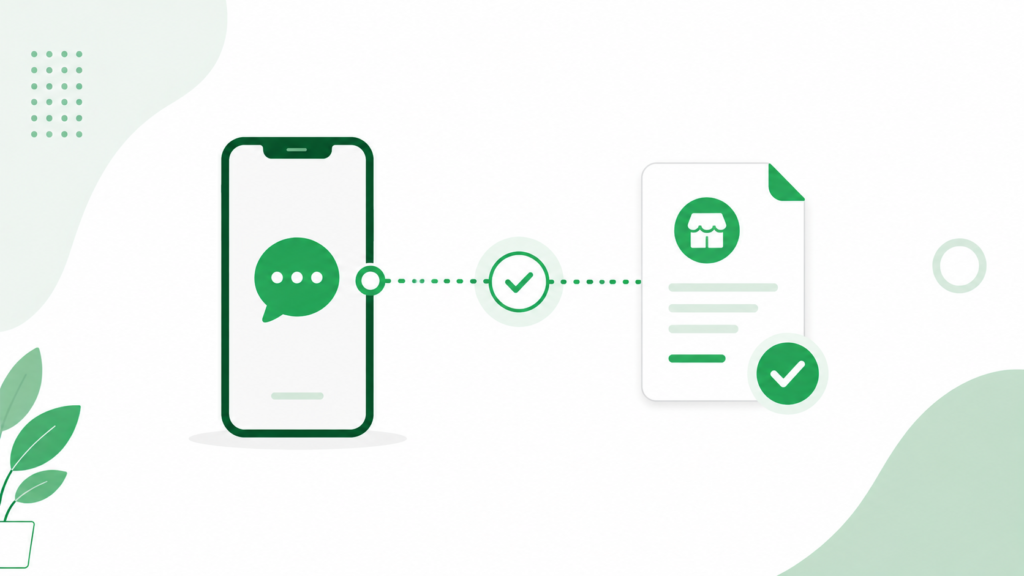
The general meta business suite whatsapp setup path involves adding WhatsApp as a channel inside your Business Manager account, verifying ownership of your phone number, and confirming the connection inside Meta Business Suite’s settings. Most of this happens through prompts inside the dashboard itself, though the sequence can feel unintuitive the first time through if you haven’t set up a Meta Business Manager account before. It’s also worth knowing that Meta rejects a number outright if it’s still actively linked to WhatsApp Messenger or the standard WhatsApp Business App, which is one of the most common setup snags businesses run into on their first attempt.
Business Verification Requirements
Meta business suite whatsapp verification follows the same underlying process as standard WhatsApp Business API verification: confirming your legal business name, address, and website details through Meta. This step can take anywhere from a day to a couple of weeks, and incomplete or inconsistent business details are the most common reason it stalls. It’s worth doing properly the first time too, since an unverified business portfolio starts capped at just 250 messages in any 24-hour period, while completing verification unlocks the first real messaging tier and the ability to scale further as your quality rating holds up.
What You Can Do Inside Meta Business Suite for WhatsApp
The Meta Business Suite WhatsApp Inbox
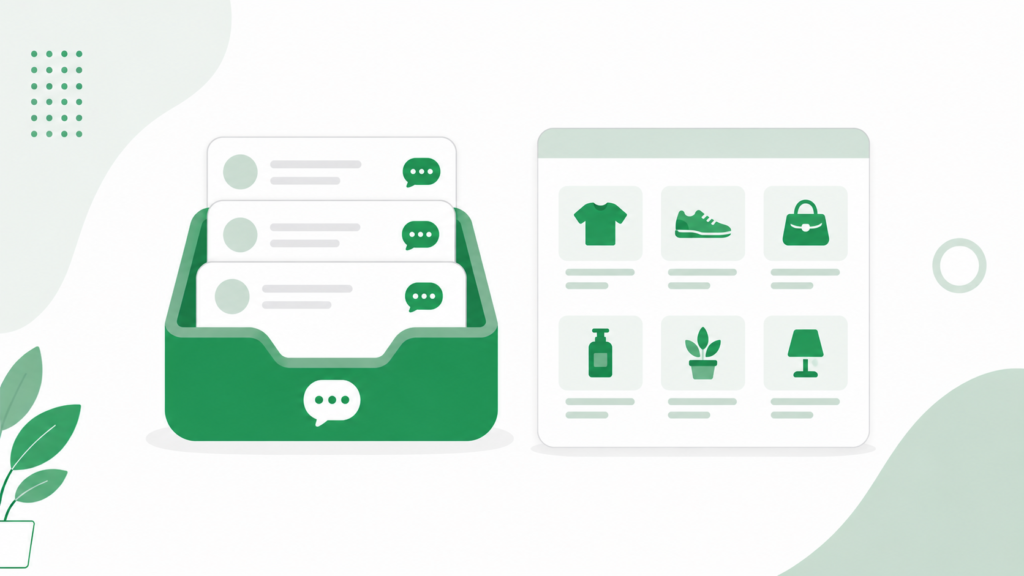
The meta business suite whatsapp inbox pulls your WhatsApp conversations into the same view as your Facebook and Instagram messages, letting you reply across channels without switching apps. For meta business suite whatsapp messages specifically, you get basic reply functionality, labels, and simple automated responses, though nothing close to the depth of a dedicated WhatsApp platform. The underlying WhatsApp Business API itself is built for real volume, with top-tier accounts able to reach up to 100,000 unique customers a day once verification and quality rating support it. Meta Business Suite’s inbox doesn’t expose that capacity directly, which is exactly why businesses planning to send at that scale tend to move campaign sending to a dedicated platform while keeping Meta Business Suite for day-to-day conversation handling.
Meta Business Suite WhatsApp Catalog
You can also sync a meta business suite whatsapp catalog, pulling product listings into WhatsApp the same way you’d manage a Facebook Shop. This works reasonably well for a small, simple product range, though it lacks the deeper commerce features available through a dedicated WhatsApp Commerce setup, like real-time stock syncing tied directly to a full e-commerce backend.
Meta Business Suite Multiple WhatsApp Numbers
Larger operations sometimes need meta business suite multiple whatsapp numbers connected under one Business Manager account, for example, separate numbers for sales and support. This is technically supported, and since messaging limits are now shared at the portfolio level rather than per number, every number added under the same Business Manager draws from one combined tier rather than starting fresh. Managing several numbers cleanly inside Meta Business Suite’s interface still gets noticeably more cumbersome as you add more of them.
Meta Business Suite WhatsApp Ads Integration
One genuine advantage here is meta business suite whatsapp ads integration, which lets you run click-to-WhatsApp ads directly from the same dashboard where you manage your Facebook and Instagram campaigns, with clicks from ads or your page’s message button landing straight in your unified inbox. This tight loop between ad spend and WhatsApp conversations is one of the stronger reasons to keep at least a foot in Meta Business Suite even if you manage day-to-day messaging elsewhere.
Meta Business Suite WhatsApp Automation and Team Features
Meta Business Suite WhatsApp Team Inbox
A meta business suite whatsapp team inbox lets more than one person respond to customer messages, with basic assignment functionality built in. For a small team, this solves the single-device problem that limits the free WhatsApp Business App, though the collaboration tools remain fairly basic compared to purpose-built support platforms.
The Limits of Meta Business Suite WhatsApp Automation
Meta business suite whatsapp automation covers simple greeting messages, away messages, and basic quick replies, similar to what the standalone app already offers. It doesn’t extend into genuine multi-step flows, keyword-triggered logic, or event-based triggers like an automatic order confirmation. If deeper automation is part of your plan, reviewing dedicated whatsapp automation for small business strategies outside Meta Business Suite is usually the next step, since the dashboard’s built-in automation was never designed to be a full workflow tool.
Meta Business Suite WhatsApp API Access and CRM Comparison
Meta Business Suite WhatsApp API Access
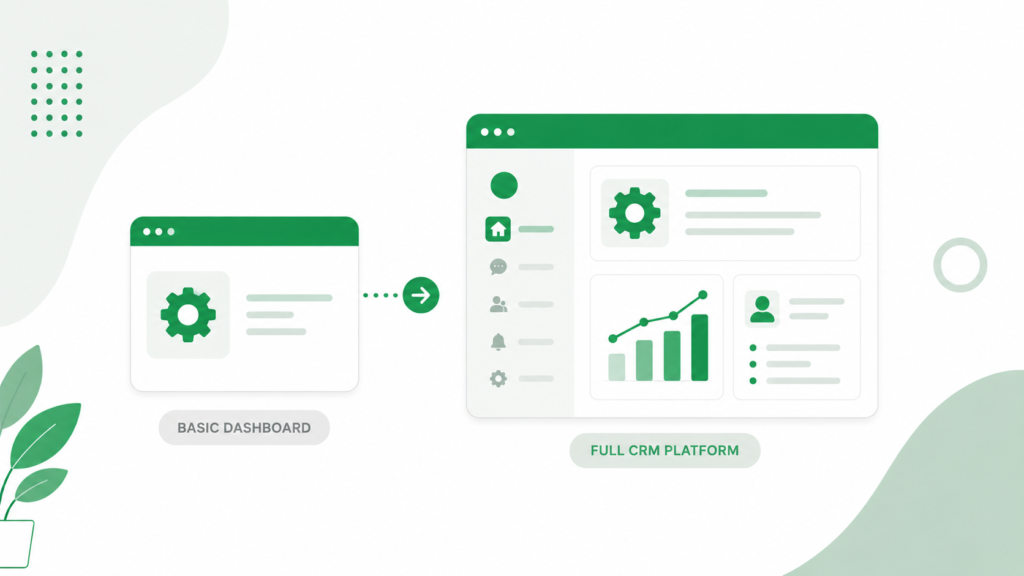
Meta business suite whatsapp api access gives you the underlying connection to Meta’s WhatsApp infrastructure, but it’s a fairly bare layer on its own. Meta Business Suite functions more as a lightweight management console than a full marketing or CRM platform, which matters once you’re past basic messaging and into segmented campaigns or detailed customer data.
Meta Business Suite WhatsApp vs a Standalone CRM
The meta business suite whatsapp vs standalone crm comparison usually comes down to depth. Meta Business Suite covers inbox management, basic catalog, and ad integration well, but it doesn’t offer the segmentation, campaign testing, or deep contact tagging that a dedicated WhatsApp CRM provides. A best crm with whatsapp integration setup typically layers on top of, or entirely replaces, Meta Business Suite for businesses that want structured campaigns and automation beyond basic replies.
Common Issues: Meta Business Suite WhatsApp Not Connecting
Meta business suite whatsapp not connecting is a frustration many businesses run into, usually traced back to one of a few causes: incomplete business verification, a phone number still actively linked to WhatsApp Messenger or the standard Business App instead of being properly migrated, or a Business Manager account missing required permissions. Double-checking that your number isn’t registered anywhere else and that your business details match exactly across Meta’s systems resolves the majority of these connection issues.
Messaging Limits and Quality Ratings You’ll Run Into
How WhatsApp’s Tier System Actually Works
Once your number is live on the WhatsApp Business API through Meta Business Suite, you’re placed on a messaging tier that caps how many unique customers you can message in a rolling 24-hour period outside an active customer conversation. New, unverified accounts sit at 250 contacts a day. Completing business verification moves you to the first real tier, and from there Meta reviews your account roughly every six hours, advancing you to higher tiers as you consistently use a meaningful share of your current limit while keeping your quality rating healthy. This is a genuinely different system from the free WhatsApp Business App, which caps broadcast lists at a flat 256 contacts with no tier progression at all, regardless of how well your messages perform.
Why Quality Rating Matters More Than List Size
Your quality rating, shown as Green, Yellow, or Red inside Meta’s tools, is driven by how recipients respond to your messages: blocks and spam reports pull it down, while genuine engagement keeps it healthy. A dropping rating doesn’t just look bad, it actively freezes or reduces your messaging tier, which is why a smaller, well-targeted send tends to serve a growing business better than blasting a large, unqualified list and risking that quality signal. Since numbers within the same Meta Business Manager portfolio now share one messaging limit rather than each having its own, a quality problem on one number can bottleneck sending capacity across every WhatsApp number connected to that portfolio.
Pricing Changes Businesses Should Watch For
Meta has also been adjusting how conversations are billed, with previously free service and utility replies shifting to paid pricing starting October 1, 2026. This doesn’t change how the tier system itself works, but it does mean businesses relying heavily on high-volume service messaging should factor updated conversation costs into their planning rather than assuming free-tier behavior continues indefinitely.
Getting More From Your Integration: Marketing and Growth
Benefits of Meta Business Suite WhatsApp Integration for Marketing
The benefits of meta business suite whatsapp integration extend furthest when you pair the ad integration and unified inbox with a more capable platform for the actual campaign work. Once your inbox and ads are connected, building out a real whatsapp marketing strategy 2026 approach, segmented broadcasts, tested send times, and proper templates, tends to require tools beyond what the dashboard itself provides.
Learning From Proven Campaign Structures
Rather than guessing at what to send once your integration is live, reviewing successful whatsapp marketing campaigns gives you tested structures to adapt instead of building from a blank page. Testing your first sends, and reviewing whatsapp message template testing tips before submitting templates for approval, helps avoid the rejection cycles that slow down a first campaign.
Conclusion
Meta Business Suite integration with WhatsApp is genuinely useful for what it does well: a unified inbox across Facebook, Instagram, and WhatsApp, straightforward ad integration, and enough basic functionality to handle simple customer conversations without extra tools. Where it falls short is depth, automation stays basic, catalog management stays simple, and marketing campaigns need more structure than the dashboard offers on its own. Most growing businesses end up using Meta Business Suite for its ad and inbox strengths while running deeper marketing, automation, and CRM work through a dedicated WhatsApp platform alongside it.
Frequently Asked Questions
How do I connect WhatsApp to Meta Business Suite?
You need a WhatsApp Business API number, since the standard free Business App doesn’t connect to Meta Business Suite the same way. From there, you add WhatsApp as a channel inside your Meta Business Manager account and verify ownership of the phone number to complete the link.
Is Meta Business Suite WhatsApp integration free?
Yes, connecting WhatsApp to Meta Business Suite itself doesn’t cost anything extra beyond standard WhatsApp Business API charges, which include Meta’s own conversation and messaging fees. Any additional platform costs come from the API provider you use to manage your number, not from Meta Business Suite directly.
Why is my WhatsApp not connecting to Meta Business Suite?
The most common causes are incomplete business verification, a phone number still actively linked to WhatsApp Messenger or the standard Business App, or missing permissions inside your Business Manager account. Meta rejects a number outright if it’s still tied to the personal or standard Business app, so confirming it’s fully disconnected first resolves a large share of these issues.
Can I run WhatsApp marketing campaigns directly from Meta Business Suite?
You can send basic messages and manage a simple catalog, but Meta Business Suite’s inbox doesn’t expose the WhatsApp Business API’s full sending capacity, which can reach up to 100,000 unique customers a day at the highest verified tiers when used through a dedicated platform. Most businesses pair it with a proper WhatsApp CRM for structured, segmented campaign work.
Is Meta Business Suite better than a standalone WhatsApp CRM?
Meta Business Suite is stronger for unified inbox management and ad integration across Facebook, Instagram, and WhatsApp, while a standalone WhatsApp CRM offers deeper automation, segmentation, and campaign tools. Many growing businesses use both together rather than choosing one over the other.
How many WhatsApp messages can I send once I’m connected through Meta Business Suite?
It depends on your messaging tier: unverified accounts are capped at 250 contacts per day, while verified accounts start higher and can scale into the thousands or more as your quality rating and sending consistency improve. This is far more flexible than the free WhatsApp Business App, which caps broadcast lists at a fixed 256 contacts with no way to scale up.