Running WhatsApp as a disconnected messaging tool, separate from your store and your marketing automation platform, means someone on your team is manually copying order data or campaign triggers across systems that should just talk to each other. A proper shopify whatsapp integration or webengage whatsapp integration through WapNotify removes that manual work entirely, letting cart recoveries, order updates, and segmented campaigns fire automatically off real customer behavior. This guide covers how both integrations work, what they unlock, and how to set them up without breaking anything already running in your store.
Why Connect Shopify or WebEngage to WhatsApp
The Problem With Disconnected Tools
A store running Shopify and a marketing platform like WebEngage already has rich customer data: purchase history, browsing behavior, campaign engagement. Without a proper connection to WhatsApp, all of that data sits unused for one of the highest-engagement channels available, and your team ends up either skipping WhatsApp entirely or running it manually, disconnected from everything else.
What Integration Actually Unlocks
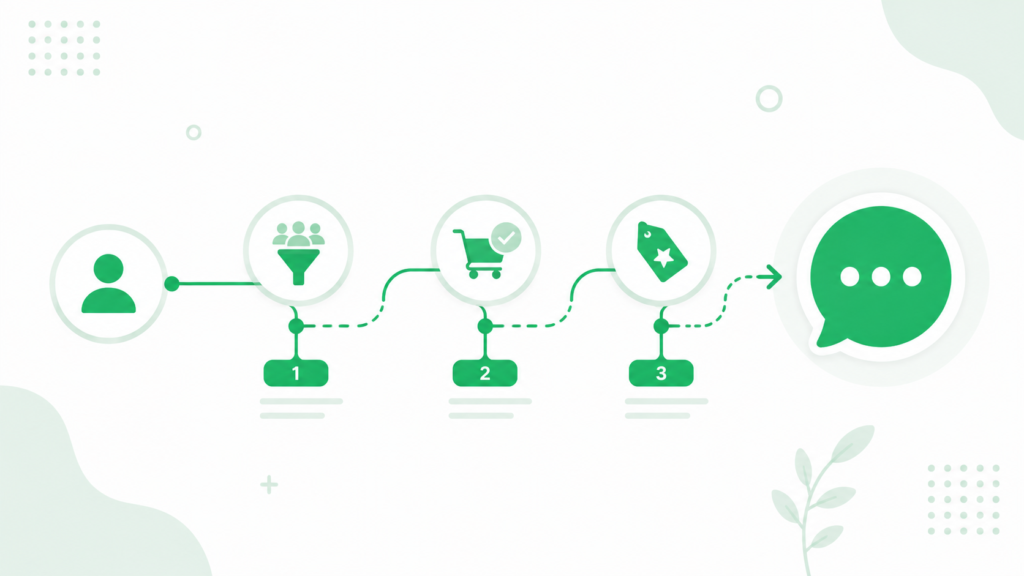
Once connected, WhatsApp stops being a separate inbox and becomes another channel your existing systems can trigger automatically. A cart abandonment in Shopify, a segment entry in WebEngage, an order status change, all of these can fire a WhatsApp message without anyone touching a spreadsheet or a broadcast list manually.
Shopify Integration With WapNotify
What the Shopify WhatsApp Marketing App Enables
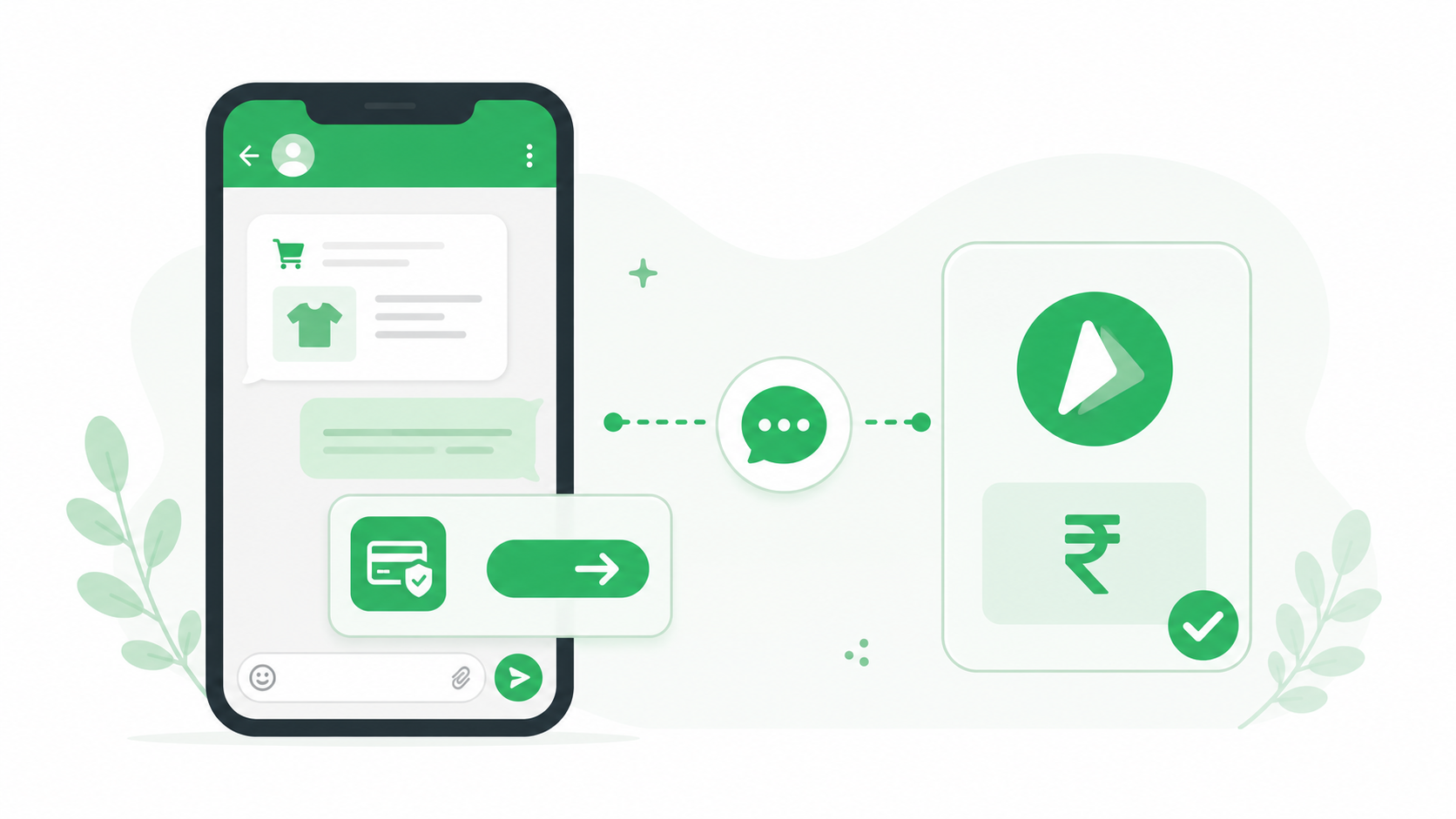
A proper shopify whatsapp marketing app connects directly to your store’s order and customer data, so messages reflect what’s actually happening in real time rather than static, pre-written content. This is the foundation for everything from cart recovery to order tracking working automatically instead of requiring manual triggering for every single customer.
How to Connect Shopify to WhatsApp
Learning how to connect shopify to whatsapp through WapNotify typically involves installing the integration from your Shopify admin, authorizing access to order and customer data, and linking it to your WhatsApp Business number. Before starting this, it’s worth making sure your underlying number is properly set up. Our whatsapp business api setup guide covers exactly what’s needed if you haven’t completed that step yet.
Shopify WhatsApp Abandoned Cart Recovery
Shopify whatsapp abandoned cart recovery is usually the highest-return use case for stores connecting the two platforms. A simple reminder sent within an hour or two of abandonment, followed by a small incentive if the first message doesn’t convert, recovers a meaningful share of carts that would otherwise be lost entirely. Because this triggers directly off Shopify’s cart data, there’s no manual list-building required to run it.
Shopify WhatsApp Order Notifications
Shopify whatsapp order notifications cover the full order lifecycle automatically: confirmation the moment an order is placed, a shipping update once it moves, and a delivery confirmation at the end. This alone eliminates a large share of “where is my order” messages that would otherwise need a manual reply every time.
Shopify WhatsApp Order Tracking Automation
Beyond basic notifications, shopify whatsapp order tracking automation lets customers check their own order status by messaging in, with the bot pulling live data straight from Shopify rather than requiring a team member to look it up manually. Pairing this with a proper WhatsApp Commerce setup extends the experience further, letting customers browse, ask about stock, and even complete a purchase without leaving the chat.
Shopify WhatsApp Catalog Sync
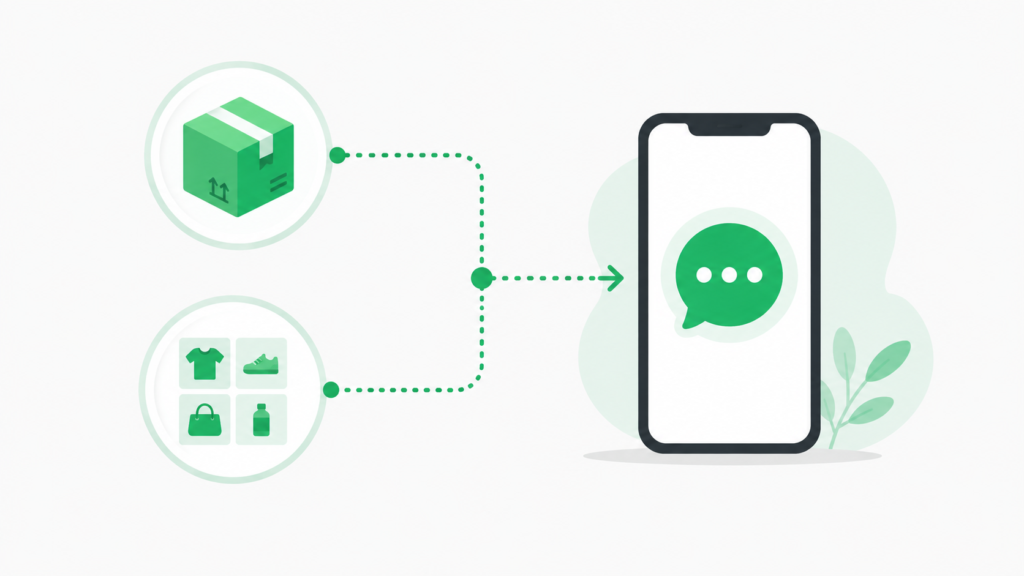
Shopify whatsapp catalog sync keeps your WhatsApp product listings matched to live Shopify inventory, so customers never see a product as available when it’s actually out of stock. Manually updating a separate catalog is one of the more common reasons stores end up with a stale, inaccurate WhatsApp presence, and syncing removes that maintenance burden entirely.
Shopify WhatsApp Chatbot Integration
A shopify whatsapp chatbot integration can handle a large share of routine pre-purchase questions automatically: stock checks, sizing, and shipping timelines, all pulled from real store data rather than a static script. This is worth building on top of the same store connection you’ve already set up for cart recovery and notifications, since the underlying data link is the same.
Shopify WhatsApp Bulk Messaging
Shopify whatsapp bulk messaging becomes genuinely useful once it’s segmented by real purchase behavior, high-value customers, first-time buyers, or people who’ve browsed but never purchased, rather than blasted to your entire customer list at once. An online bulk WhatsApp sender with this kind of segmentation built in is what separates a targeted promotional send from one that quietly damages your list health over time.
WebEngage Integration With WapNotify
What WebEngage Brings to the Table
WebEngage is a customer engagement platform built around segmentation, journeys, and multi-channel campaigns, typically spanning email, push notifications, and SMS. A webengage whatsapp integration adds WhatsApp as a proper channel inside those same journeys, rather than requiring a separate, manually managed WhatsApp workflow running alongside everything else.
Webengage Whatsapp Channel Setup
Webengage whatsapp channel setup generally involves connecting your WhatsApp Business API number as a recognized channel inside WebEngage’s platform, so it appears alongside your existing email and push options when building a journey. Once connected, you can add WhatsApp as a step in an existing automation without rebuilding your journey logic from scratch.
Connect WebEngage to WhatsApp Business API
To connect webengage to whatsapp business api, you’ll need an active API connection through a partner like WapNotify first, since WebEngage itself doesn’t provide the underlying messaging infrastructure. This is a similar prerequisite to the Shopify integration: the API connection comes first, and the platform-level integration builds on top of it.
Webengage Whatsapp Automation
Webengage whatsapp automation means a customer entering a specific segment, cart abandoners, high-value repeat customers, lapsed users, can automatically receive a WhatsApp message as part of that broader journey, without a marketer manually pulling a list and sending a separate broadcast. This turns WhatsApp into one coordinated piece of a multi-channel strategy rather than an isolated afterthought.
Webengage Whatsapp Campaign Integration
Webengage whatsapp campaign integration lets you run A/B tests, track engagement, and measure conversion for WhatsApp messages using the same reporting view as your other channels, rather than checking WhatsApp performance separately from everything else.
Webengage Whatsapp Segmentation
Webengage whatsapp segmentation is where this integration really pays off, since WebEngage’s segmentation engine can be far more sophisticated than what a standalone WhatsApp tool typically offers. Building segments around lifetime value, engagement recency, or product category interest, then triggering WhatsApp messages off those same segments, produces far more relevant campaigns than a flat, unsegmented broadcast.
WebEngage vs WhatsApp CRM: Where Each One Fits
The webengage vs whatsapp crm question isn’t really an either-or choice. WebEngage excels at cross-channel journey orchestration and segmentation logic, while a dedicated Best WhatsApp CRM handles the WhatsApp-specific mechanics: template management, delivery tracking, and conversation-level detail that a general engagement platform doesn’t focus on as deeply. Most businesses running both get the best result by using WebEngage for strategy and segmentation, with WapNotify handling WhatsApp execution underneath it.
Choosing the Right Setup for Your Store
Best WhatsApp Integration for Your Shopify Store
Finding the best whatsapp integration for shopify store setups depends on what matters most to your business. A smaller store might prioritize simple cart recovery and order updates, while a larger operation running WebEngage already will get more value from a connection that plugs directly into existing journeys rather than duplicating segmentation logic in a second tool. Either way, pairing your integration with a best crm for whatsapp that supports both direct store connections and platform-level integrations gives you room to grow into more advanced use cases later.
Getting the API Layer Right First
Whether you’re connecting through Shopify or WebEngage, the underlying requirement is the same: a properly set up WhatsApp Business API partner connection. Skipping this step and trying to bolt an integration onto an unverified or improperly configured number is the most common reason these setups run into trouble early on.
Testing and Optimizing After Integration
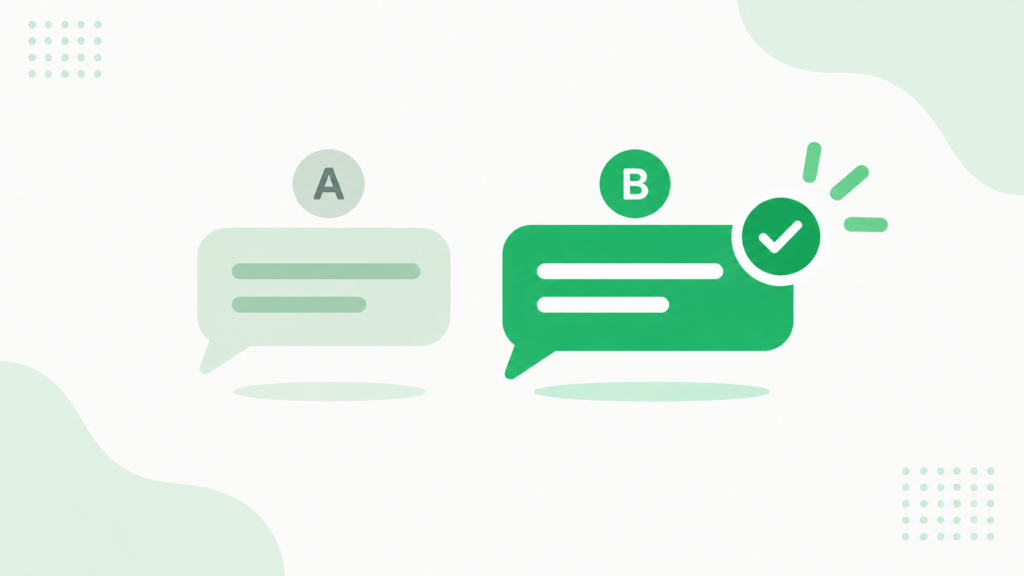
Once your Shopify or WebEngage connection is live, don’t assume your first automated messages are optimally worded or timed. Running a proper A/B test WhatsApp marketing campaign process on your cart recovery or journey-triggered messages, even something as simple as comparing two send delays, catches underperforming wording before it runs at full scale indefinitely.
Common Mistakes When Integrating Shopify or WebEngage With WhatsApp
- Connecting the integration before completing WhatsApp Business API verification
- Sending every automated trigger to the full customer list instead of a relevant segment
- Letting the WhatsApp catalog go out of sync with actual store inventory
- Running WebEngage journeys without ever reviewing how the WhatsApp step specifically performs
- Treating the integration as a one-time setup instead of revisiting message wording periodically
Conclusion
Connecting Shopify or WebEngage to WhatsApp through WapNotify turns WhatsApp from a standalone messaging tool into a genuine extension of your store and your marketing automation. Cart recovery, order updates, and segmented journeys all start running automatically off real customer behavior instead of manual effort, which frees your team to focus on the messages and offers that actually need a human decision. Start with whichever integration matches your current stack, get the underlying API setup right first, and layer in automation gradually as you see what’s actually working.
Frequently Asked Questions
How do I connect Shopify to WhatsApp for marketing?
You install a WhatsApp integration app from your Shopify admin, authorize it to access order and customer data, and link it to a properly verified WhatsApp Business API number. This connection is what enables automated cart recovery, order notifications, and catalog syncing between the two platforms.
Can WebEngage send WhatsApp messages directly?
WebEngage can trigger WhatsApp messages as part of a customer journey, but it needs to be connected to an active WhatsApp Business API number through a partner like WapNotify first, since WebEngage itself doesn’t provide the underlying messaging infrastructure. Once connected, WhatsApp functions as another channel alongside email and push notifications.
What is the biggest benefit of integrating Shopify with WhatsApp?
The biggest benefit is automated cart recovery, since a well-timed WhatsApp reminder recovers a meaningful share of abandoned carts without any manual effort from your team. Order notifications and catalog syncing add further value by reducing repetitive customer service messages.
Do I need WhatsApp Business API to integrate with Shopify or WebEngage?
Yes, both integrations require WhatsApp Business API rather than the free WhatsApp Business App, since the app doesn’t support the automated, event-triggered messaging these platforms depend on. Setting up API access through a proper partner is the first step before either integration can work.
Should I use WebEngage or a dedicated WhatsApp CRM?
They serve different purposes rather than competing directly. WebEngage handles broad segmentation and cross-channel journey logic, while a dedicated WhatsApp CRM manages the WhatsApp-specific details like templates and delivery tracking, and most growing businesses end up using both together.