
← All products / WhatsApp Commerce
Send order updates, quotes, invoices and offers, all on WhatsApp.
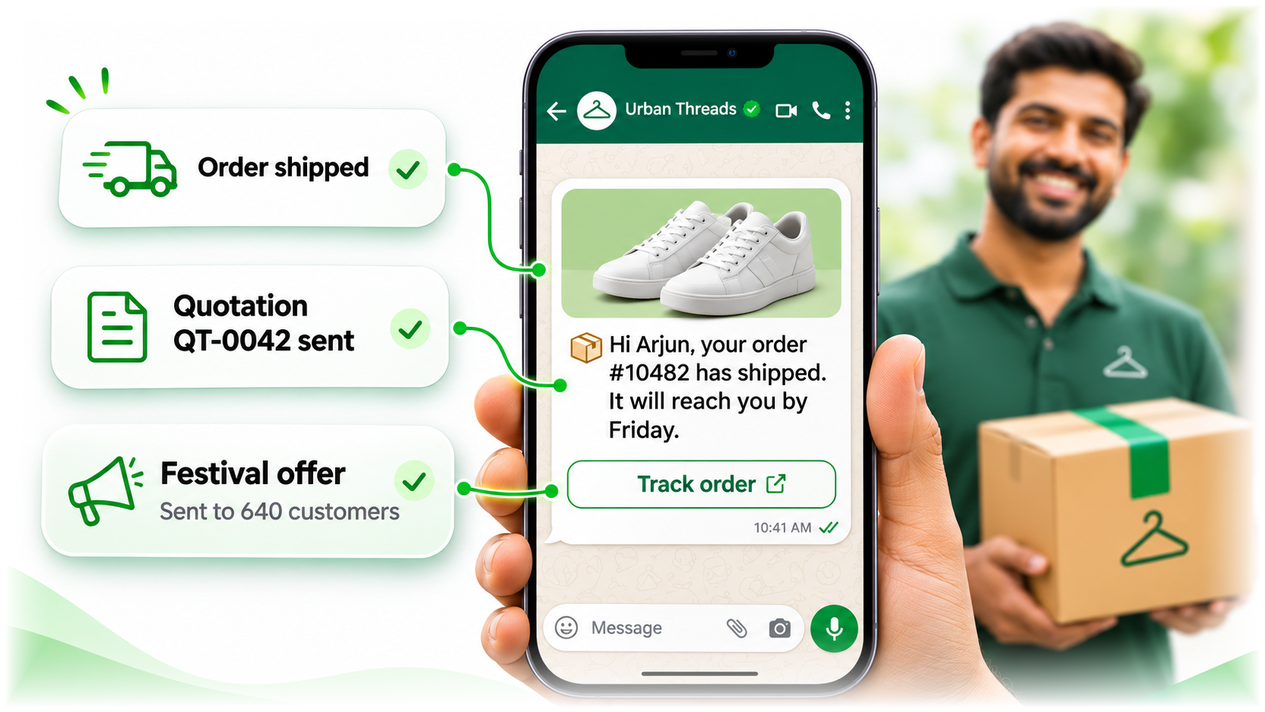
Customers ask about orders, prices and delivery on WhatsApp. WapNotify connects your store and your chats: customers get automatic order and shipping updates, your team sends quotations and invoices in the same chat, and you bring buyers back with offers and follow-ups.
It runs on the official Meta WhatsApp Business API.
Order & shipping updates
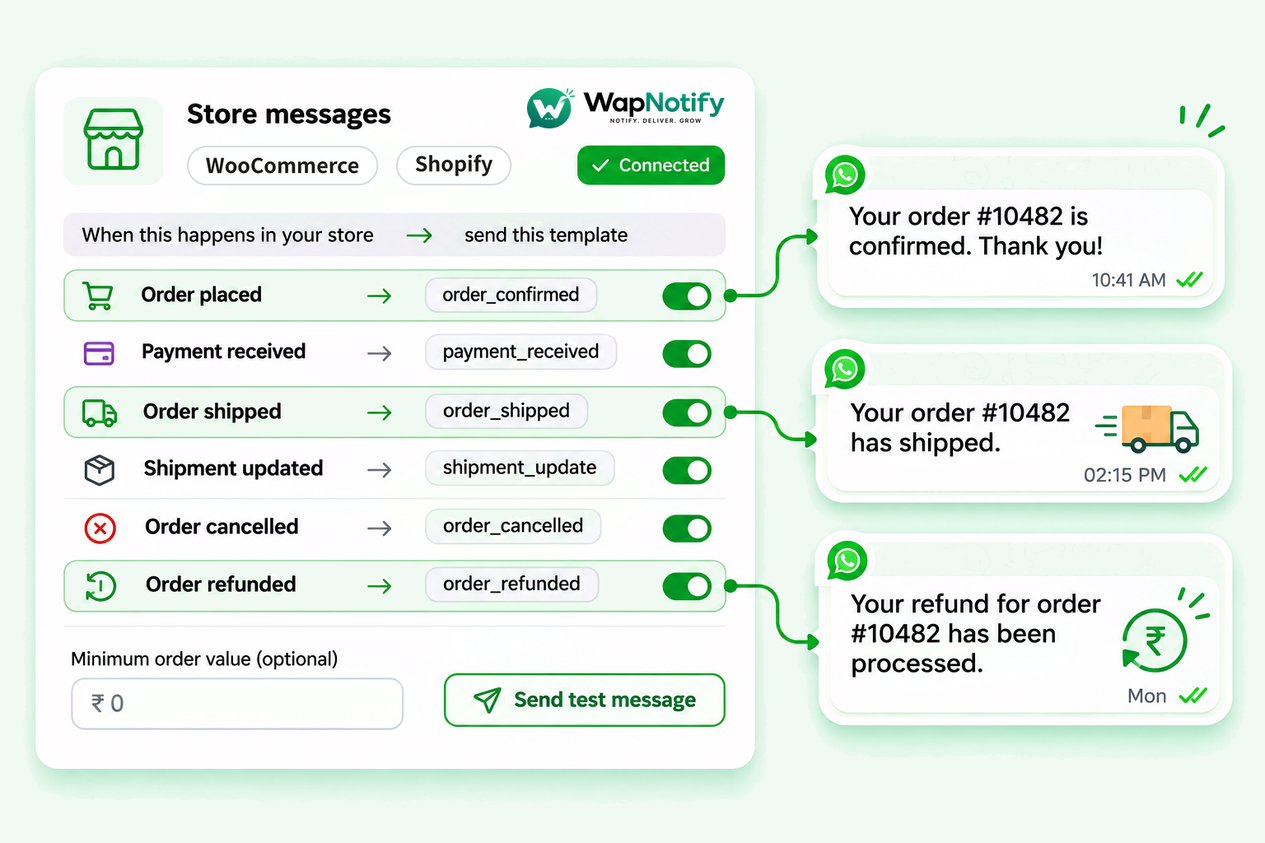
Connect WooCommerce or Shopify and WapNotify sends an approved WhatsApp template for each store event.
Key capabilities
Quotations & orders
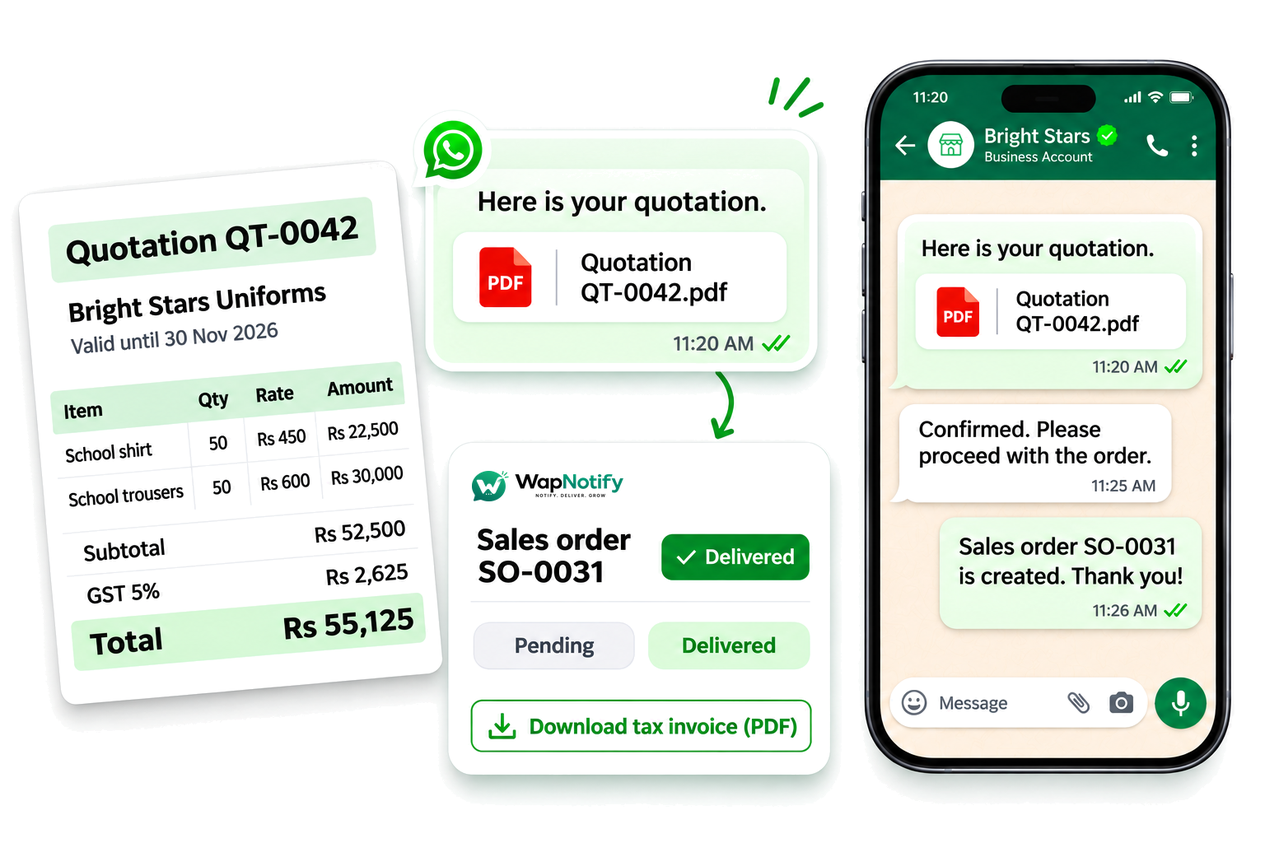
Send itemised quotes with tax as a PDF on WhatsApp and track each order from pending to delivered.
Key capabilities
Offers & repeat purchases
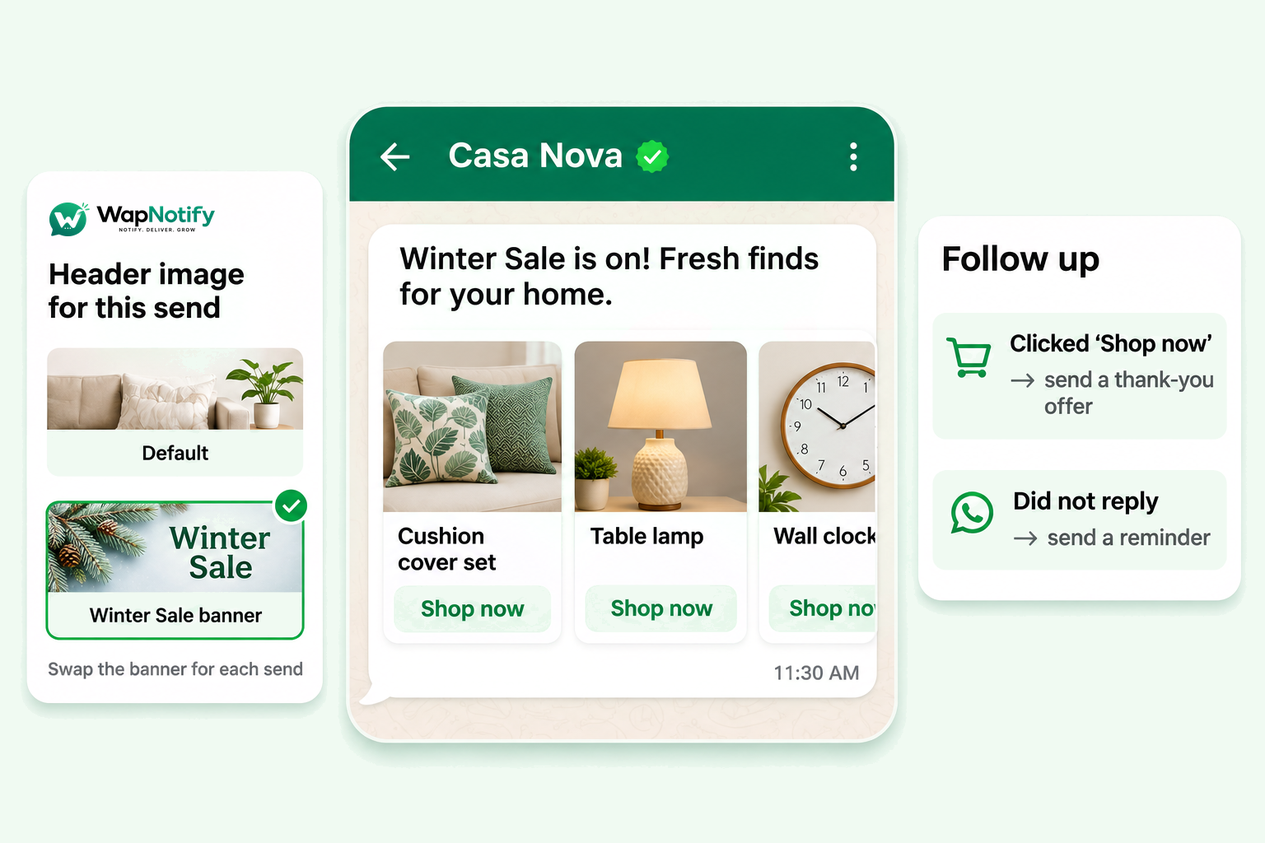
Send sale and festival offers, then follow up with people who clicked or didn’t reply.
Key capabilities
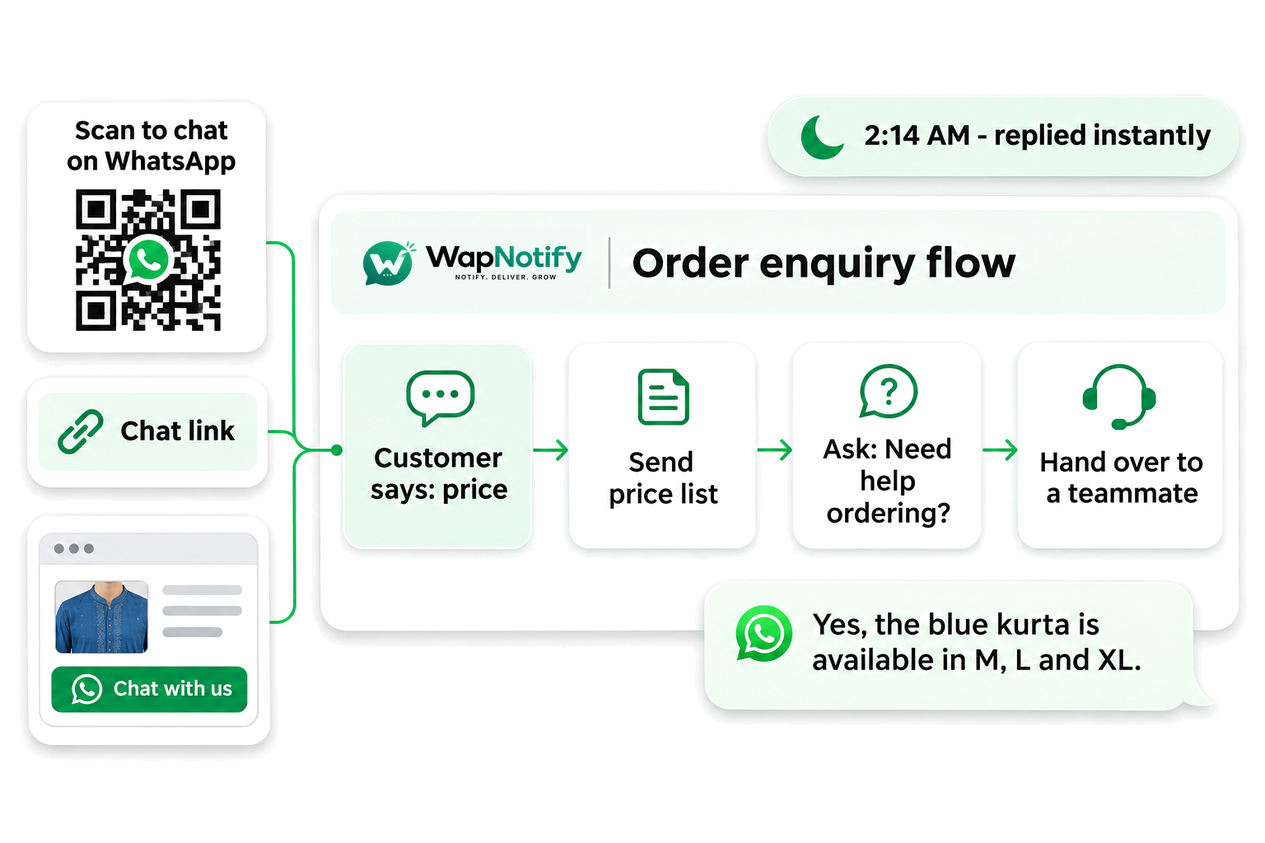
Automatic replies
Flows and Smart chat answer common questions, then hand over to your team when needed.
Key capabilities
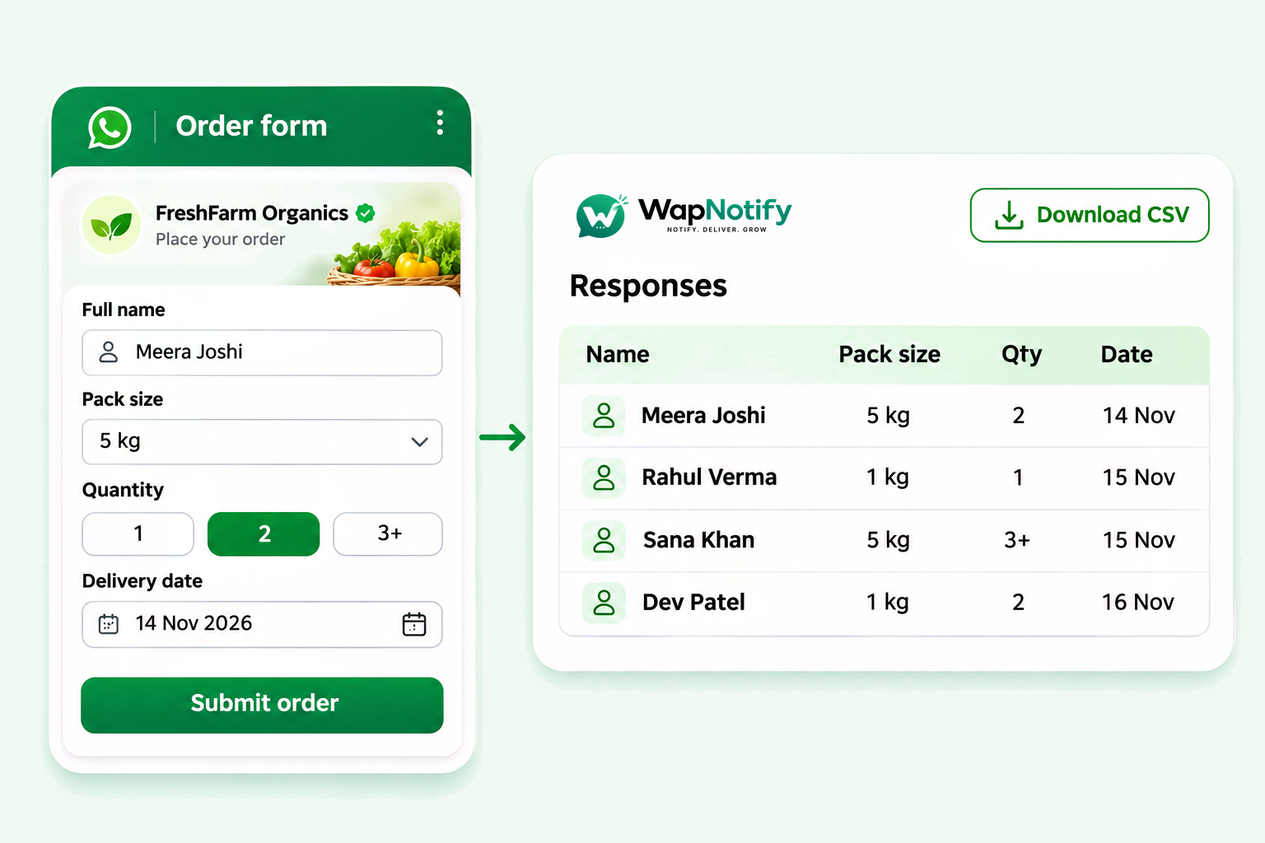
Orders & enquiries via Forms
Send a form in the chat so customers can share what they need without leaving WhatsApp, then review every response.
Key capabilities
Step 1
Guided Meta Business Manager setup. Meta approval usually takes 24–48 hours.
Step 2
Link WooCommerce or Shopify and choose which events send a message.
Step 3
Send order updates, quotes and offers, and follow up with buyers.
Connect Shopify and WooCommerce and send approved templates on every plan.
All plans
Create templates, send broadcasts and scheduled messages, build Flows and Smart chat, and use WhatsApp Forms.
Starter and Business
Free and Starter plans can view only. Creating and sending them is on Business.
Business
Available on the Business plan.
Business
All plans start with a 14-day free trial, no card.
All plans
It connects your store and your WhatsApp Business number. Customers get automatic order updates, your team can send quotations and invoices in chat, and you can send offers and follow-ups to bring buyers back. It runs on the official Meta WhatsApp Business API.
WooCommerce and Shopify stores can be connected, and a custom webhook is available for other systems.
Order placed, payment received, order shipped, shipment updates, cancellations and refunds. You choose an approved template for each one.
WapNotify doesn’t collect payments from your customers. Your quotations and invoices show your bank details, so customers pay you directly.
Yes. Order messages are sent as templates approved by Meta. You can create them inside WapNotify on the Starter plan and above.
No. WapNotify charges a flat monthly platform fee. Meta bills conversation charges directly at its standard rates, with no markup.